
|
Do it yourself
| |||
| ||||


How to Replace the Diesel Filter on the Vauxhall Insignia
Model: Vauxhall Insigna
MK 1, Insigna A
- Years 2008-2017
First, lift your vehicle and place it on appropriate stands to work on its underside, as the filter is located at the bottom of the engine. Once located, remove the central cap to drain the fuel inside. Then, using a spanner of the appropriate size, unscrew the larger cap to completely remove the filter. Now, replace the filter inside the cap and retrace the steps for reassembly.
Updated on 26 February 2026 by ScegliAuto
Video tutorial
Related tutorials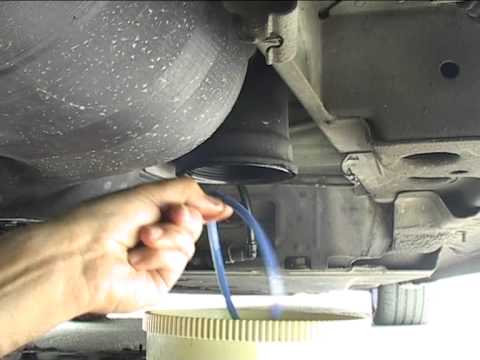
Vauxhall Insigna
(2008-2017 /
MK 1, Insigna A)
How to remove the diesel filter on an Opel Insignia: lift the car on a column lift or suitable jack, locate the diesel filter as shown in the video. …
Vauxhall Insigna
(2008-2017 /
MK 1, Insigna A)
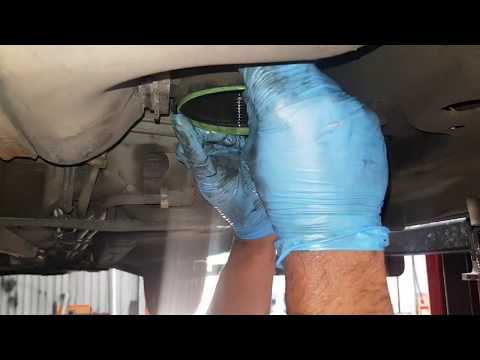
Do you want to replace the diesel filter on your Opel Insignia but don't know how? In this video, learn how to proceed. Lift the car on a column lift…
Vauxhall Insigna
(2008-2017 /
MK 1, Insigna A)
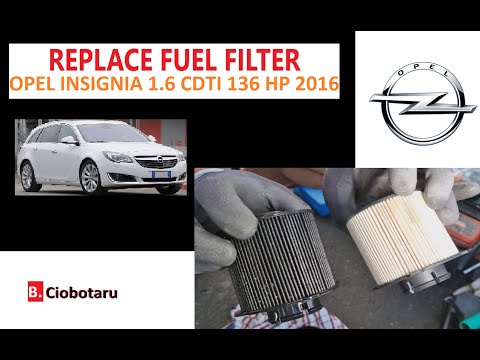
Good morning, today we are here to discover where the diesel filter of our Opel Insignia is located and understand how to reach it. The filter is loc…
Other guides you may be interested in
|
How to Remove the Centre Console on a Renault Scenic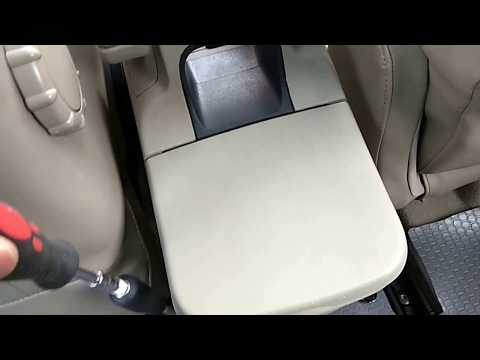
Watch this video to learn how to remove the glove compartment from the rear cover of the centre console on a Renault Scenic. Use a plastic lever to pry at the edge of the side plastics as shown in the video. Once the plastics are removed, unscrew the screws located at the sides of the centre console with a suitable screwdriver, and disconnect all the power connectors. Remove the side rests from the glove compartment. Fit the new piece onto the centre cover and proceed with the assembly of the remaining parts, working in reverse order. by ScegliAuto More videos
|
|
For advertising on this site Write to info@scegliauto.com
ScegliAuto is not responsible for any inaccuracy of the data in the lists. To report any inaccuracy or your business (if you own the business in question), please write to info@scegliauto.com
Number of seconds to generate the page: 0.055
(c) ScegliAuto 2026 - info@scegliauto.com - Privacy policy VAT number: IT01247470535 |
