
|
Do it yourself
| |||
| ||||


How to connect your smartphone to the Peugeot Boxer 2017 via Bluetooth
Model: Peugeot Boxer
MK 2
- Years 2006-2024
If you are wondering how to connect your smartphone to the radio of your 2017 Peugeot Boxer via Bluetooth, all you have to do is read the following guide and follow the steps described. First of all, start the vehicle and then activate the Bluetooth on your smartphone. Once you have done that, press the settings button located to the right of the central display of the radio and enter the menu of connected devices in order to activate the Bluetooth on your Peugeot Boxer as well. Finally, connect your smartphone to it and enter the security pin.
Posted on 21 January 2025 by ScegliAuto
Video tutorial
Related tutorials
Peugeot Boxer
(2006-2024 /
MK 2)
For several decades, cars have been equipped with diagnostics that indicate the presence of errors and faults in the car's systems; by using specific…
Peugeot Boxer
(2006-2024 /
MK 2)
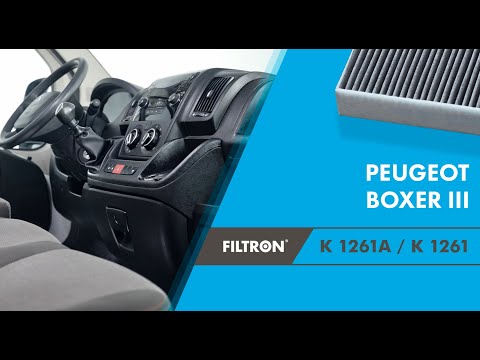
Let's see how to change the cabin air filter on the Peugeot Boxer. Open the glove compartment located in the centre console, unscrew the nine screws …

Peugeot Boxer
(2006-2024 /
MK 2)
As indicated by the title of the video present here, the clock of the Peugeot Boxer can be adjusted by means of an electronic tool, to be connected t…
Other guides you may be interested in |
How to reset the tyre pressure warning light on the Dacia Sandero?
To reset the tyre pressure warning light on the Dacia Sandero, inflate all the tyres to the pressure indicated on the label on the driver's door. Once the tyres are inflated, turn on the ignition and navigate through the menu using the controls on the right side of the steering wheel. Scroll with the arrows to find the tyre pressure option: by holding down the OK button located on the right side of the steering wheel, you can reset the warning light. by ScegliAuto More videos
|
|
For advertising on this site Write to info@scegliauto.com
ScegliAuto is not responsible for any inaccuracy of the data in the lists. To report any inaccuracy or your business (if you own the business in question), please write to info@scegliauto.com
Number of seconds to generate the page: 0.319
(c) ScegliAuto 2026 - info@scegliauto.com - Privacy policy VAT number: IT01247470535 |
