
|
Do it yourself
| |||
| ||||


How to perform a forced shutdown of the multimedia system of the Peugeot 208
Model: Peugeot 208
UB, UJ, UP, MK 2, UW
- Years 2019-2026
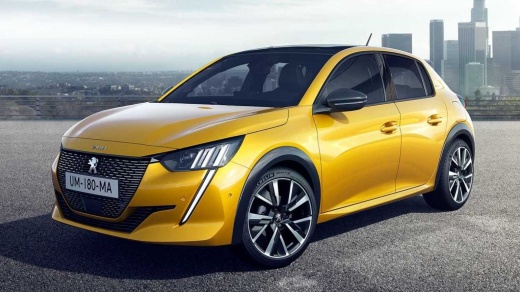
These short and simple steps will show us how to reset and force restart the multimedia system of the Peugeot 208. First of all, get into the car and start the instrument panel; then wait for the multimedia system to turn on and then press and hold the call button located on the top right of the display, as shown in the video. At this point, wait for the multimedia system to reboot and for its correct functioning to be restored; then turn off the instrument panel and start the engine.
Posted on 8 April 2025 by ScegliAuto
Video tutorial
Related tutorials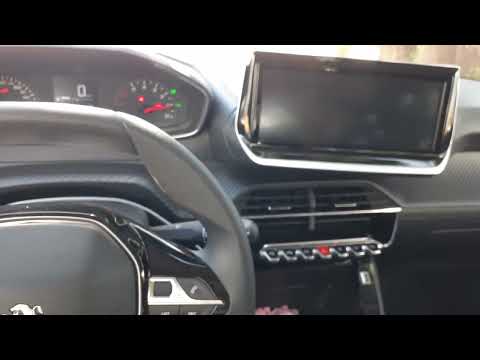
Peugeot 208
(2019-2026 /
UB, UJ, UP, MK 2, UW)
Today, we will go through the instructions that will allow you to perform a general reset on the control unit and multimedia system of the Peugeot 20…

Peugeot 208
(2012-2019 /
A9, MK 1)
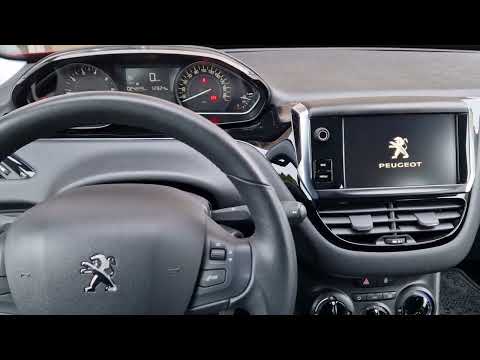
The information provided in this guide will show us how to reset the infotainment system and radio of the Peugeot 208. First, we get on board the veh…
Peugeot 208
(2012-2019 /
A9, MK 1)
In the Peugeot 208, the multimedia system display may freeze, fail to respond to commands, or experience various malfunctions. Often, the issue can b…
Other guides you may be interested in
|
Frequently Asked QuestionsFuses Location and Diagram for the Volkswagen Crafter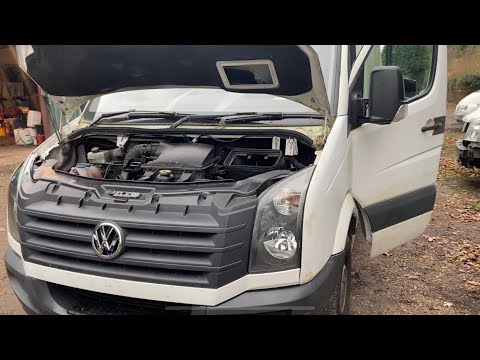
In this guide, we will look at the location of the fuse boxes and how to find their diagram for the Volkswagen Crafter. First, get inside the vehicle and start by removing the plastic cover found under the steering wheel, to access the internal fuse box; you will find another fuse box in the engine compartment by removing the plastic cover located next to the battery. At this point, use the owner's manual to find the fuse diagram, which will allow you to identify and replace any blown fuses with new ones! by ScegliAuto More videos
|
|
For advertising on this site Write to info@scegliauto.com
ScegliAuto is not responsible for any inaccuracy of the data in the lists. To report any inaccuracy or your business (if you own the business in question), please write to info@scegliauto.com
Number of seconds to generate the page: 0.093
(c) ScegliAuto 2026 - info@scegliauto.com - Privacy policy VAT number: IT01247470535 |
