
|
Do it yourself
| |||
| ||||


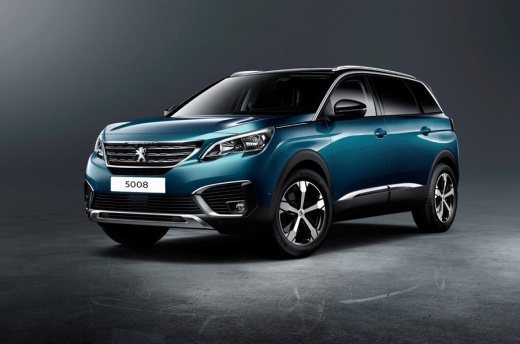
Options and customizations on the Peugeot 5008 cockpit
Model: Peugeot 5008
MK 2
- Years 2017-2024
In this video, we see the options and customizations possible on the instrument panel of the Peugeot 5008: the first is the "minimum" mode with only the central speedometer for a clean and essential design. Then we have the "personal" mode which allows us two different configurations, and allows us to choose what to display: for example, "personal 1" trip computer + tachometer and "personal 2" navigation or engine temperature. The "full screen navigation" mode is the full screen map (only with the integrated Peugeot navigator, does not work with AndroidAuto or AppleCarPlay navigators). The "dials" mode is the classic one, with traditional speedometer and tachometer and trip info by pressing the side button on the steering wheel. You can access the personal screens by selecting the "personal" mode with the button on the steering wheel, then press the "options" button and then go to Panel customization tools, and choose from the various elements to display. Confirm with "ok". You cannot duplicate the same info on both personal screens.
Posted on 5 August 2025 by ScegliAuto
Video tutorial
Related tutorials
Peugeot 5008
(2017-2024 /
MK 2)
To reset the tire pressure warning light on the Peugeot 5008, you need to inflate the tires until they reach the recommended pressure value: this val…

Peugeot 5008
(2017-2024 /
MK 2)
If you want to adjust the brightness of the touchscreen display of the infotainment system of your second generation Peugeot 5008 on your own, all yo…

Peugeot 5008
(2017-2024 /
MK 2)
Replacing the battery inside the remote control of your Peugeot 5008 is really very simple and to complete the operation, just follow the procedure d…
Other guides you may be interested in
|
How to Reset the Tyre Pressure Light on the Opel Grandland X
While driving, if you notice the tyre pressure warning light coming on, first check the actual inflation pressure of the tyres and, if necessary, restore the pressures recommended by the manufacturer. After restoring the correct pressures, you need to reset the warning light that has illuminated on the instrument cluster. To do this, locate the reset button on the lower central console. Press this button and hold it down for at least 3 seconds, after which the low pressure indication will turn off. by ScegliAuto More videos
|
|
For advertising on this site Write to info@scegliauto.com
ScegliAuto is not responsible for any inaccuracy of the data in the lists. To report any inaccuracy or your business (if you own the business in question), please write to info@scegliauto.com
Number of seconds to generate the page: 0.101
(c) ScegliAuto 2026 - info@scegliauto.com - Privacy policy VAT number: IT01247470535 |
