
|
Do it yourself
| |||
| ||||


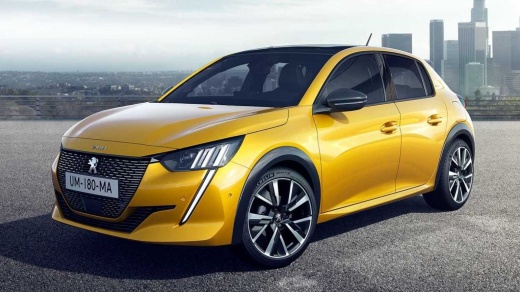
How to solve the black screen problem on the Peugeot 208/2008/308/3008
Model: Peugeot 208
UP, UW, UB, UJ, MK 2
- Years:
2019, 2020, 2021, 2022, 2023, 2024, 2025, 2026
Video tutorial
Let's see how to solve the problem of the black touchscreen on various models of Peugeot including 208/308/2008/3008. The most effective solution is to locate the fuse box in the cabin and, using the owner's manual, find the fuse for the multimedia system. Remove it for 10/15 seconds and then reinsert it completely. Restart the car and check the screen. Alternatively, we can try holding down the "menu" button on the touchscreen, turning on the instrument panel while holding down the button, and waiting for the screen to turn back on. The first method is a more effective reset, which interrupts the system's power supply, resetting the system's cache memory. The second method is a softer system, but can still lead to results. If neither of these methods work, it could be a hardware problem, a damaged control unit, or faulty wiring, all problems that require the intervention of an authorized Peugeot service center.
Posted on 30 October 2025 by ScegliAuto
Related tutorials
Peugeot 208
(2019-2026 /
UP, UW, UB, UJ, MK 2)
The problem described in the video, common to the Peugeot 208/308 and 3008, is a fault in the fan resistor (or rheostat). This is an electronic compo…
Peugeot 208
(2019-2026 /
UP, UW, UB, UJ, MK 2)
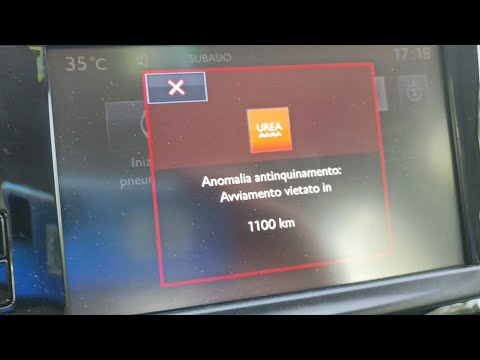
In this video, you will learn how to resolve the issue of the AdBlue and engine warning lights being illuminated simultaneously on a Peugeot 208. Add…

Peugeot 208
(2012-2019 /
MK 1, A9)
In this video, see how to fix the screen of a Peugeot 208 that is not functioning properly: for the YouTuber, it has always been a problem, so much s…
Other guides you may be interested in
|
How to Reset the AdBlue Warning Light on a Peugeot Boxer
To reset the AdBlue system on a 2018 Peugeot Boxer, follow these steps: Start the engine and ensure the vehicle is parked in a well-ventilated area. Locate the "MENU" button on the dashboard or steering wheel controls. Press and hold the "MENU" button until the menu options appear on the display. Use the arrow buttons or scroll wheel to access the "Vehicle Settings" or "Settings" menu. Select the "AdBlue" or "AdBlue System" option. Look for the "Recharge" or "Reset" option in the AdBlue menu. Once you find the reset option, select it and confirm your choice when prompted. The system will be reset, and a confirmation message may appear on the display. Turn off the engine and wait a few seconds. Restart the engine and check that the AdBlue system has been reset. by ScegliAuto More videos
|
|
For advertising on this site Write to info@scegliauto.com
ScegliAuto is not responsible for any inaccuracy of the data in the lists. To report any inaccuracy or your business (if you own the business in question), please write to info@scegliauto.com
Number of seconds to generate the page: 0.097
(c) ScegliAuto 2026 - info@scegliauto.com - Privacy policy VAT number: IT01247470535 |
