
|
Do it yourself
| |||
| ||||


How to customise the multimedia system on the Peugeot 3008
Model: Peugeot 3008
P64
- Years 2023-2026
In this guide, we will look at some of the main customisations available on the multimedia system of the Peugeot 3008. First, get in the vehicle and turn on the ignition; then, start the multimedia system and navigate to the customisation option to personalise the touchscreen or driving information, as shown in the video. You can add shortcuts on the display, which may relate to driving aids or other functions; by holding down the function, you can move it as desired.
Posted on 25 July 2026 by ScegliAuto
Video tutorial
Related tutorials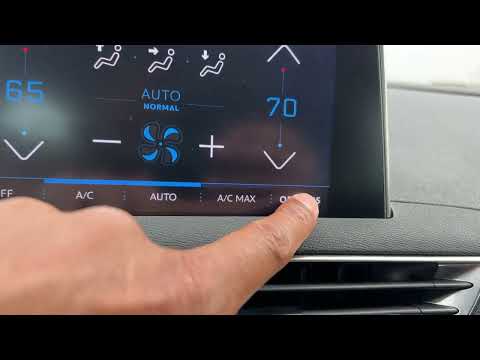
Peugeot 3008
(2016-2023 /
MK 2, P84)
This guide provides instructions on using the multimedia system of the Peugeot 3008. First, get inside the vehicle and turn on the ignition; then, pr…
Peugeot 3008
(2016-2023 /
MK 2, P84)
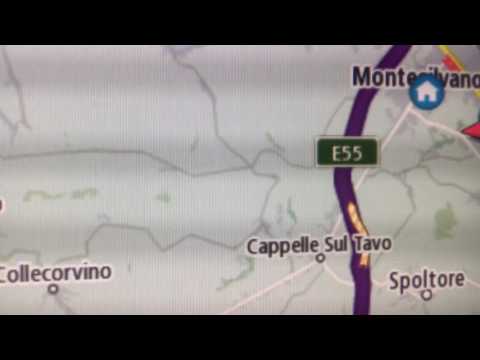
In the following video, discover various map options for a Peugeot 3008. First, get inside the vehicle and turn on the infotainment system: navigate …
Peugeot 3008
(2016-2023 /
MK 2, P84)
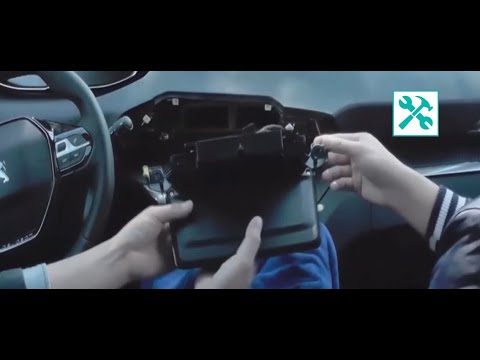
In this video, see the main steps to remove the central display of the onboard computer on a second-generation Peugeot 3008, so you can replace it wi…
Other guides you may be interested in |
Frequently Asked QuestionsHow to reset the tyre pressure warning light on the Dacia Sandero?
To reset the tyre pressure warning light on the Dacia Sandero, inflate all the tyres to the pressure indicated on the label on the driver's door. Once the tyres are inflated, turn on the ignition and navigate through the menu using the controls on the right side of the steering wheel. Scroll with the arrows to find the tyre pressure option: by holding down the OK button located on the right side of the steering wheel, you can reset the warning light. by ScegliAuto More videos
|
|
For advertising on this site Write to info@scegliauto.com
ScegliAuto is not responsible for any inaccuracy of the data in the lists. To report any inaccuracy or your business (if you own the business in question), please write to info@scegliauto.com
Number of seconds to generate the page: 0.065
(c) ScegliAuto 2026 - info@scegliauto.com - Privacy policy VAT number: IT01247470535 |
