
|
Do it yourself
| |||
| ||||


How to Reset the Service Light on a Peugeot Boxer
Model: Peugeot Boxer
- Years:
2006, 2007, 2008, 2009, 2010, 2011, 2012, 2013, 2014, 2015, 2016, 2017
Video tutorial
To reset the service light on the Peugeot Boxer, get inside the vehicle and turn on the instrument panel without starting the engine. Fully press the accelerator pedal and, while holding it down, also press the brake pedal. Keep both pedals pressed for a few seconds until the maintenance reset confirmation message appears on the instrument panel display. When the system completes the procedure, release the pedals and turn off the instrument panel. Wait a few seconds and turn the panel back on to check the display. If the operation was performed correctly, the service light will no longer appear and the maintenance interval will be reset.
Posted on 8 October 2026 by ScegliAuto
Related tutorials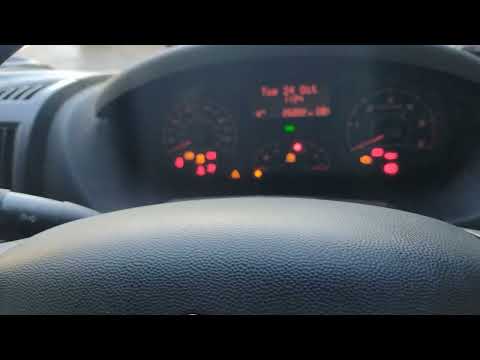
Peugeot Boxer
(2006-2024 /
MK 2)
.. In this video, we can see how to reset the service light on a Peugeot Boxer: with the ignition off, press the brake and accelerator.. …
Peugeot Boxer
(1993-2006 /
MK 1)
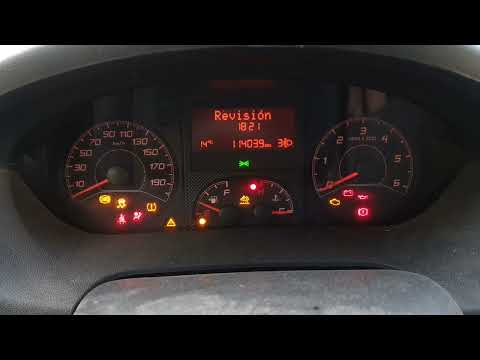
When resetting the oil change light on a commercial vehicle like the Peugeot Boxer, always prioritise your safety and that of others. Therefore, rese…

Peugeot Boxer
(2006-2024 /
MK 2)
To manually reset the oil warning light on the dashboard of your second series Peugeot Boxer, you do not need to visit a local garage. You can comple…
Other guides you may be interested in
|
How to Set the Time on a Toyota Yaris Cross
Setting the time on a Toyota Yaris Cross is a very simple operation that can be done independently. The first step is to turn on the instrument panel. The second step is to access the settings menu using the joystick on the steering wheel. Once in the menu, select the "Clock" option. The third step is to press and hold this option and set the hour and minutes you desire using the arrow buttons. Finally, return to the main menu and turn off the instrument panel. Turn the panel back on to check that the new time has been set successfully. by ScegliAuto More videos
|
|
For advertising on this site Write to info@scegliauto.com
ScegliAuto is not responsible for any inaccuracy of the data in the lists. To report any inaccuracy or your business (if you own the business in question), please write to info@scegliauto.com
Number of seconds to generate the page: 0.468
(c) ScegliAuto 2026 - info@scegliauto.com - Privacy policy VAT number: IT01247470535 |
