
|
Do it yourself
| |||
| ||||



How to Reset the Trip Meter on a Peugeot 208
Model: Peugeot 208
- Years:
2019, 2020, 2021, 2022, 2023, 2024, 2025, 2026
Video tutorial
To reset the trip meter on a latest generation Peugeot 208, get in the vehicle and use the buttons on the stalks next to the steering wheel. Turn on the instrument cluster without starting the engine, then locate the buttons on the stalks dedicated to the onboard computer. Scroll through the menu until you select "Trip" or "Trip Meter". Once the trip meter is displayed, press and hold the confirmation button on the stalk until the value resets to zero. After the operation, the counter will automatically restart, recording the miles driven.
Posted on 2 November 2026 by ScegliAuto
Related tutorials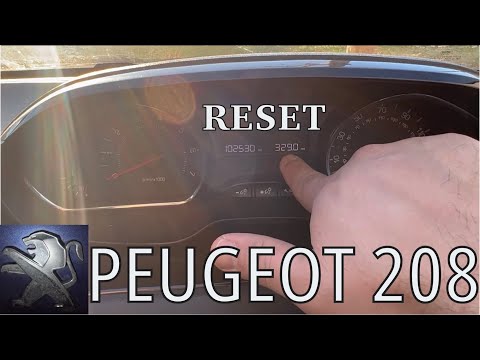
Peugeot 208
(2012-2019 /
MK 1, A9)
In this tutorial, you will learn how to reset the trip meter in a Peugeot 208, a very simple and quick operation. This trip meter can be very useful …
Peugeot 208
(2019-2026 /
UP, UW, UB, UJ, MK 2)
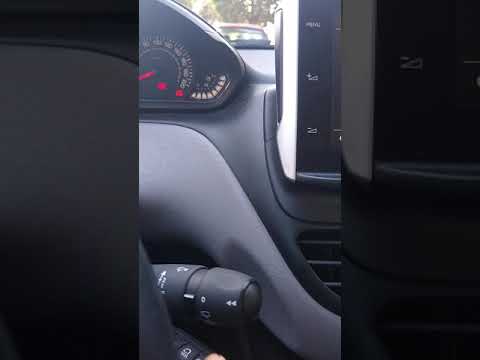
To reset the trip odometer on the Peugeot 208, insert the ignition key and turn it to switch on the instrument cluster. Once the cluster is on, press…

Peugeot 208
(2019-2026 /
UP, UW, UB, UJ, MK 2)
If you want to reset the partial odometer of your new Peugeot 208 (year 2025), simply follow the procedure described in this new guide. First, get in…
Other guides you may be interested in
|
Frequently Asked QuestionsHow to Set the Clock on the 2024 Toyota Aygo X
The steps to set the clock on the onboard computer of a 2024 Toyota Aygo X are simple and quick to perform independently. First, turn on the instrument cluster of the vehicle. Second, press the menu button on the onboard computer. Third, select the "configuration" option from the onboard computer. Fourth, select the "clock" option to set the desired hours and minutes. Fifth, return to the main menu and restart the instrument cluster. by ScegliAuto More videos
|
|
For advertising on this site Write to info@scegliauto.com
ScegliAuto is not responsible for any inaccuracy of the data in the lists. To report any inaccuracy or your business (if you own the business in question), please write to info@scegliauto.com
Number of seconds to generate the page: 0.047
(c) ScegliAuto 2026 - info@scegliauto.com - Privacy policy VAT number: IT01247470535 |
