
|
Do it yourself
| |||
| ||||


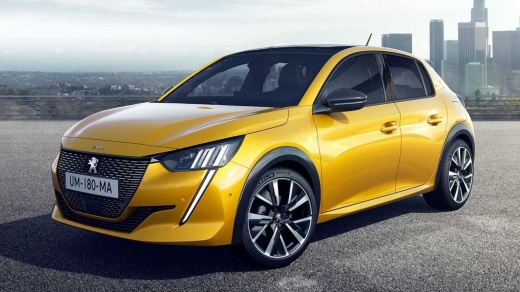
How to Fix the Fuel Warning Light Malfunction on the Peugeot 208
Model: Peugeot 208
UP, UW, UB, UJ, MK 2
- Years:
2019, 2020, 2021, 2022, 2023, 2024, 2025, 2026
Video tutorial
On the Peugeot 208 with LPG system, the dashboard display is designed to manage only one type of fuel. When switching from petrol to LPG, the system does not recognise the change and continues to indicate the petrol level, even if the LPG tank is full. This can cause the reserve light to illuminate and display consumption and trip data related only to petrol. The issue is not a fault, but a limitation of the onboard computer. The solution is to manually reset the system: switch to LPG, turn off and then turn on the ignition. In some cases, a software update at the workshop may be necessary.
Posted on 21 August 2026 by ScegliAuto
Related tutorials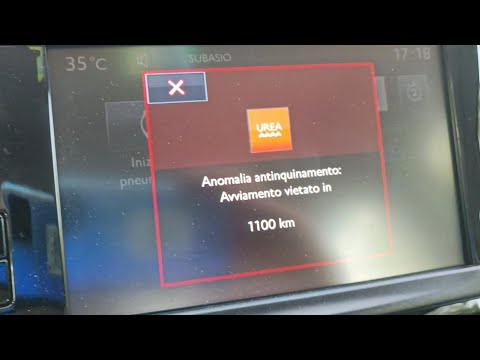
Peugeot 208
(2019-2026 /
UP, UW, UB, UJ, MK 2)
In this video, you will learn how to resolve the issue of the AdBlue and engine warning lights being illuminated simultaneously on a Peugeot 208. Add…
Peugeot 208
(2012-2019 /
MK 1, A9)
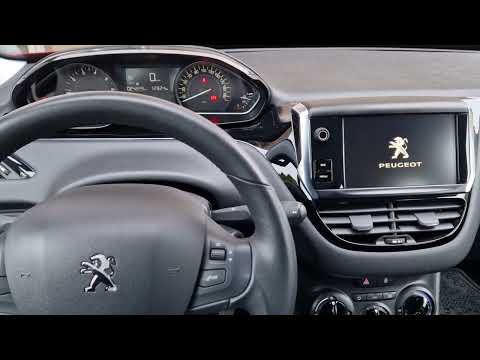
In the Peugeot 208, the multimedia system display may freeze, fail to respond to commands, or experience various malfunctions. Often, the issue can b…

Peugeot 208
(2019-2026 /
UP, UW, UB, UJ, MK 2)
Let's see how to solve the problem of the black touchscreen on various models of Peugeot including 208/308/2008/3008. The most effective solution is …
Other guides you may be interested in
|
How to reset the tyre pressure warning light on the Kia Niro EV?
To reset the tyre pressure warning light on the Kia Niro EV, inflate the tyres until they reach the correct pressure value. This value is indicated on the sticker attached to the driver's door pillar. Once the tyres are inflated, turn on the instrument cluster to check that the warning light has completely disappeared from the display. If it is still present, you may need to drive for a few miles to ensure it disappears completely from the screen. by ScegliAuto More videos
|
|
For advertising on this site Write to info@scegliauto.com
ScegliAuto is not responsible for any inaccuracy of the data in the lists. To report any inaccuracy or your business (if you own the business in question), please write to info@scegliauto.com
Number of seconds to generate the page: 0.055
(c) ScegliAuto 2026 - info@scegliauto.com - Privacy policy VAT number: IT01247470535 |
