
|
Do it yourself
| |||
| ||||


How to Change the Display Bulbs on a Peugeot 206
Model: Peugeot 206
MK 1
- Years:
1998, 1999, 2000, 2001, 2002, 2003, 2004, 2005, 2006, 2007, 2008, 2009
This video is currently unavailable
Let’s see how to change the display bulbs on a Peugeot 206: First, we need to turn off the ignition; using a flat screwdriver, pry behind the bezel to remove it and access the inside, where we will remove the screws of the screen. Without disconnecting the connector, turn it around and you will see the bulbs located. To remove them, twist them half a turn and they will come out with their holder. They are bayonet-mounted, so pull them out to release (a kit of 10 dashboard bulbs costs £5.50 on eBay + £3.00 for shipping). Place the new bulb in its position (do not touch it with bare hands). Reassemble the screen, replace the screws, and put the bezel back. Job done.
Updated on 20 June 2026 by ScegliAuto
Related tutorials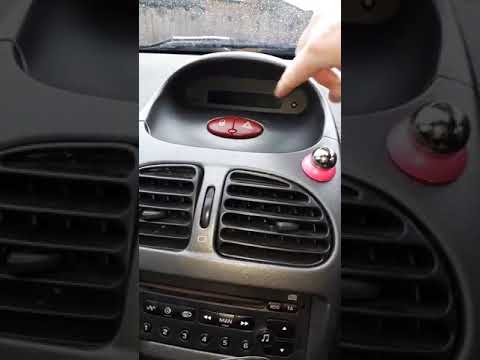
Peugeot 206
(1998-2012 /
MK 1)
If you find that the bulbs in the display at the centre of the dashboard of the Peugeot 206 have blown, replace them as soon as possible. Release the…
Peugeot 206
(1998-2012 /
MK 1)
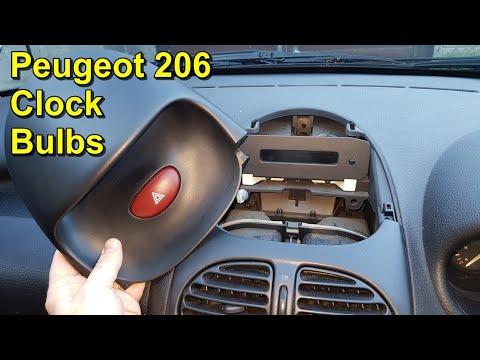
Today, we will see how to disassemble and replace the dashboard or central display bulbs of the Peugeot 206. First, open the bonnet and disconnect th…
Peugeot 206
(1998-2012 /
MK 1)
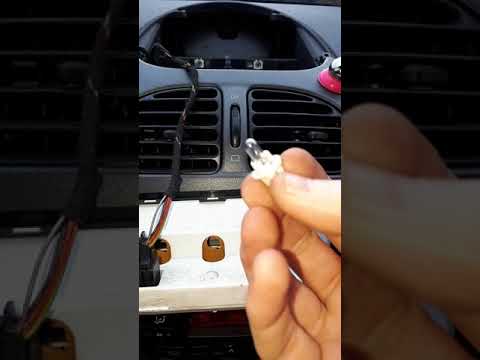
In this video, you will see how to remove and replace the lights of the dashboard or central display on a Peugeot 206, following these simple steps. …
Other guides you may be interested in |
How to reset the tyre pressure warning light on the Kia Niro EV?
To reset the tyre pressure warning light on the Kia Niro EV, inflate the tyres until they reach the correct pressure value. This value is indicated on the sticker attached to the driver's door pillar. Once the tyres are inflated, turn on the instrument cluster to check that the warning light has completely disappeared from the display. If it is still present, you may need to drive for a few miles to ensure it disappears completely from the screen. by ScegliAuto More videos
|
|
For advertising on this site Write to info@scegliauto.com
ScegliAuto is not responsible for any inaccuracy of the data in the lists. To report any inaccuracy or your business (if you own the business in question), please write to info@scegliauto.com
Number of seconds to generate the page: 0.018
(c) ScegliAuto 2026 - info@scegliauto.com - Privacy policy VAT number: IT01247470535 |
