
|
Do it yourself
| |||
| ||||


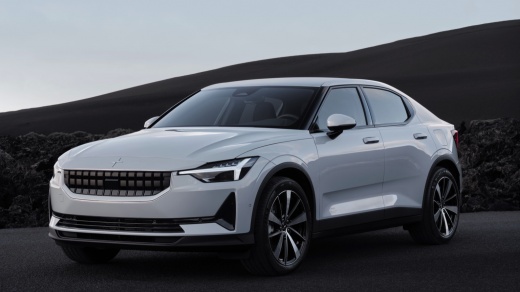
How to perform a general reset on the Polestar 2?
Model: Polestar Polestar 2
MK 1
- Years:
2022, 2023, 2024, 2025, 2026
Video tutorial
Let's talk about a car definitely focused on high levels of technology, namely the Polestar 2. It is a 100% electric car, so no internal combustion engine with many of its functions being linked to electronics, which can sometimes create problems with sudden anomalies. How to solve? Simple, just follow the advice of the protagonist of the video here, proceed with a general reset obtainable by opening the front hood, removing the engine partition and once the starter battery is located, disconnecting the two poles, reconnecting them after a few seconds.
Posted on 6 March 2025 by ScegliAuto
Related tutorials
Polestar Polestar 2
(2022-2026 /
MK 1)
Resetting the service light is a very simple and quick operation that must be performed after carrying out the service tasks. To reset the service li…
Polestar Polestar 2
(2022-2026 /
MK 1)
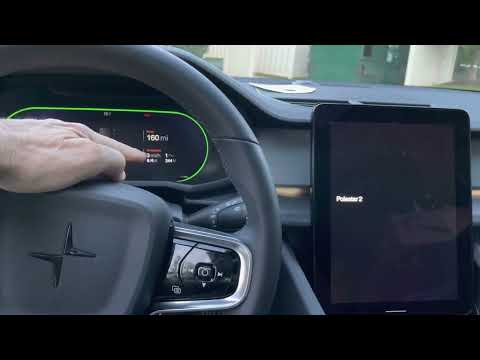
If the onboard computer of your Polestar 2 has several serious software issues, don’t worry as you can easily resolve them through a hard reset of th…

Polestar Polestar 2
(2022-2026 /
MK 1)
Below we will see the information that will allow us to reset the TCAM multimedia system of the Polestar 2, in simple and quick steps. First, we get …
Other guides you may be interested in
|
How to Set the Time in an Audi A4?
In this tutorial, you will see how to set the time in an Audi A4, a very simple and quick operation to perform after replacing the battery or when the time changes. First, insert the key and turn on the instrument cluster. Then, press the "SETUP" button located on the center console. Next, press the upper left arrow button, navigate to the "Time" option, and use the central knob to adjust the clock. Finally, set any necessary formats and save by returning to the main screen. by ScegliAuto More videos
|
For advertising on this site Write to info@scegliauto.com
ScegliAuto is not responsible for any inaccuracy of the data in the lists. To report any inaccuracy or your business (if you own the business in question), please write to info@scegliauto.com
Number of seconds to generate the page: 0.064
(c) ScegliAuto 2026 - info@scegliauto.com - Privacy policy VAT number: IT01247470535 |
