
|
Do it yourself
| |||
| ||||


|
Video tutorial
To adjust the clock of the Dodge RAM, you need to turn on the instrument panel by inserting the ignition key into the corresponding slot: once the instrument panel is on, you can press the SETUP button until the clock setting appears. You can select it by pressing the circular button and then change the hours by rotating the same button: the same operation must be done to change the minutes. At the end of the adjustment, you can return to the initial screen to verify that everything is working.
Posted on 22 December 2024 by ScegliAuto
Related tutorials
RAM 1500
(2009-2019 /
DS, DJ, MK 4)
The fuse layout, or rather the fuse box, of Dodge Ram vehicles, specifically the 2016 Dodge Ram 1500, is an electrical diagram that allows you to eas…
RAM 1500
(2019-2026 /
MK 5, DT)
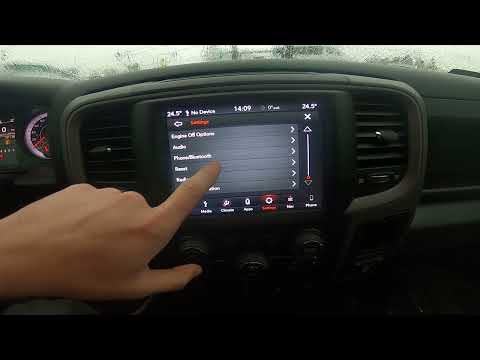
Today's steps will show you how to reset the factory radio and multimedia system of the Dodge RAM 1500. First, get in the vehicle and turn on the ign…
RAM 1500
(2002-2009 /
D1, DM, DC, MK 3, DR, DH)
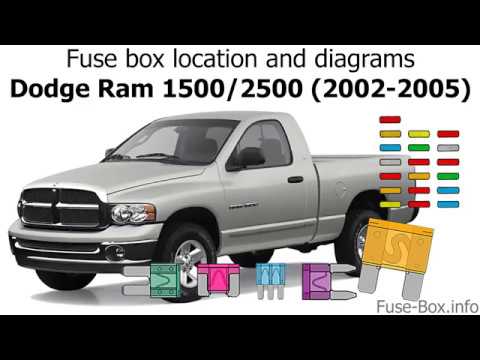
This video shows the location of the fuse boxes in the 2003 Dodge Ram 1500. In addition to the location of the fuse boxes, the video displays the dia…
Other guides you may be interested in
|
How to Open the Fuel Filler Flap in the Hyundai i30?
In this tutorial, you will learn how to open the fuel filler flap in the Hyundai i30, a very simple operation that follows the typical procedure of most vehicles. First, unlock the locks using the designated button on the remote, then open the driver's door, locate the release lever on the left side of the seat, and operate it. Next, move to the fuel filler flap, open it completely, unscrew the cap, and refuel as needed. To close the flap, simply press it gently. by ScegliAuto More videos
|
|
For advertising on this site Write to info@scegliauto.com
ScegliAuto is not responsible for any inaccuracy of the data in the lists. To report any inaccuracy or your business (if you own the business in question), please write to info@scegliauto.com
Number of seconds to generate the page: 0.121
(c) ScegliAuto 2026 - info@scegliauto.com - Privacy policy VAT number: IT01247470535 |
