
|
Do it yourself
| |||
| ||||


How to replace the crankshaft position sensor on the Dodge RAM 1500
Model: RAM 1500
BE, BR, MK 2
- Years 1994-2001
In today's video tutorial we will see how to remove and replace the crankshaft position sensor of the Dodge RAM 1500. First we open the engine hood and start by unscrewing the screws of the bracket of our crankshaft position sensor, using a 13 mm wrench with extension; we then disconnect the electrical connector to remove the sensor, as shown in the video. At this point we replace the position sensor with the new one, with the original spare; then let's install it on the engine block, applying the reverse disassembly procedure!
Posted on 6 March 2022 by ScegliAuto
Video tutorial
Related tutorials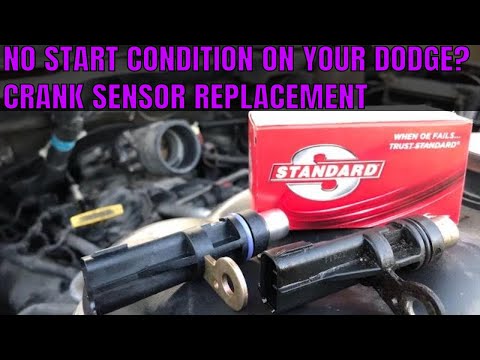
RAM 1500
(2002-2009 /
DR, DH, D1, DC, DM, MK 3)
In order to replace the crankshaft revolution sensor of the RAM 1500, you need to go and lift the car, so that you can access the components in the l…
RAM 1500
(2002-2009 /
DR, DH, D1, DC, DM, MK 3)
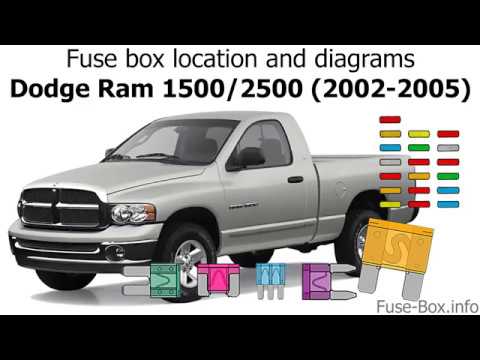
This video shows the location of the fuse boxes in the 2003 Dodge Ram 1500. In addition to the fuse box locations, the video also shows a diagram of …
RAM 1500
(1994-2001 /
BE, BR, MK 2)
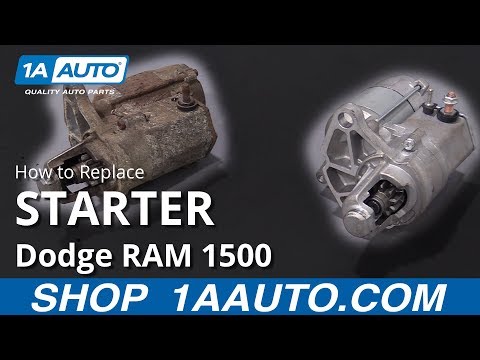
Let's replace the starter motor of the Dodge RAM 1500 together, following the instructions below. First of all we open the bonnet and we go to discon…
Other guides you may be interested in
|
Reset Service Light on Peugeot 208
What to do if the service light appears on a Peugeot 208? Here’s how to reset it. Enter the vehicle, turn on the ignition with the appropriate key (you will see the maintenance message). Turn off the ignition and press the button above the instrument cluster. Turn the ignition back on and wait for the countdown on the instrument cluster (release the button when the countdown ends). Turn off the ignition with the key, then turn it back on to check the maintenance status (the light should no longer be illuminated). If no light is displayed, everything has gone well. by ScegliAuto More videos
|
|
For advertising on this site Write to info@scegliauto.com
ScegliAuto is not responsible for any inaccuracy of the data in the lists. To report any inaccuracy or your business (if you own the business in question), please write to info@scegliauto.com
Number of seconds to generate the page: 0.054
(c) ScegliAuto 2026 - info@scegliauto.com - Privacy policy VAT number: IT01247470535 |
