
|
Do it yourself
| |||
| ||||


How to Replace the Camshaft Position Sensor on Volkswagen Polo 1.4
Model: Volkswagen Polo
MK IV, Polo 4, 9N, MK 4, Polo IV
- Years:
2001, 2002, 2003, 2004, 2005, 2006, 2007, 2008, 2009
Video tutorial
Below are the instructions that will allow you to remove and replace the camshaft position sensor on the Volkswagen Polo 1.4. First, open the bonnet and begin removing the upper plastic cover; then disconnect the electrical connector of the camshaft position sensor, subsequently unscrewing the fixing screw with a hex key, as shown in the video. At this point, remove and replace the camshaft position sensor with the new one, installing the original; all that remains is to check its operation!
Posted on 15 February 2026 by ScegliAuto
Related tutorials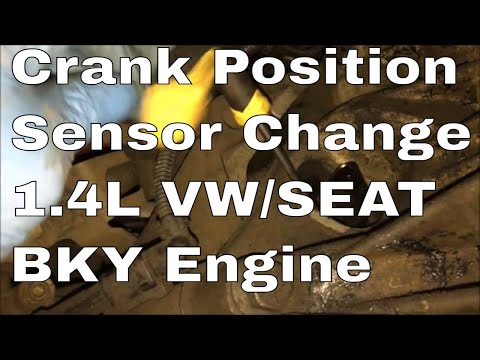
Volkswagen Polo
(2001-2009 /
MK IV, Polo 4, 9N, MK 4, Polo IV)
In this video tutorial, you will find instructions on how to remove and replace the camshaft sensor from a Volkswagen Polo 1.4, as well as from a Sea…
Volkswagen Polo
(2001-2009 /
MK IV, Polo 4, 9N, MK 4, Polo IV)
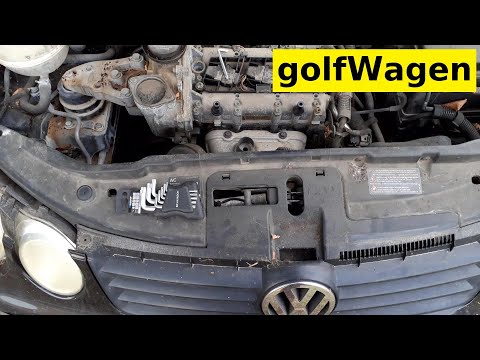
In this video, you will see how to remove and replace the camshaft position sensor on the Volkswagen Polo 1.4 by following these simple and quick ste…

Volkswagen Polo
(2017-2025 /
MK 6, Polo 6, AW1, MK VI, Polo VI)
In this video, you can see where the camshaft position sensor is located in the Volkswagen Polo and how to proceed if you need to replace it, which i…
Other guides you may be interested in |
How to Activate the Automatic Folding and Unfolding of the Wing Mirrors on the Jeep Compass
Follow these brief instructions to activate the automatic folding and unfolding of the external wing mirrors on the Jeep Compass. First, get inside the vehicle and turn on the ignition; then press the button located beneath the mirror glass adjustment to electrically open the mirror, as shown in the video. Pressing the button in the opposite direction will close the mirrors; by holding the button, the mirrors will open and close automatically! by ScegliAuto More videos
|
|
For advertising on this site Write to info@scegliauto.com
ScegliAuto is not responsible for any inaccuracy of the data in the lists. To report any inaccuracy or your business (if you own the business in question), please write to info@scegliauto.com
Number of seconds to generate the page: 0.073
(c) ScegliAuto 2026 - info@scegliauto.com - Privacy policy VAT number: IT01247470535 |
