
|
Do it yourself
| |||
| ||||


How to Reset the Oil Light on a Dodge RAM 1500
Model: RAM 1500
DS, DJ, MK 4
- Years:
2009, 2010, 2011, 2012, 2013, 2014, 2015, 2016, 2017, 2018, 2019
Video tutorial
If you have just completed the service on your Dodge RAM 1500 but still notice the oil warning light turning on at every start, don't worry. There is a solution to this problem, and it is quite simple. Just follow these instructions. First, insert the key and turn the ignition on without starting the engine. Then, using the turn signals located on the left side of the steering wheel, navigate through the onboard computer menu and enter "Vehicle info." Scroll down to the "Oil life" option and press the button with the right arrow. Confirm the reset when prompted, and you are done.
Updated on 13 May 2026 by ScegliAuto
Related tutorials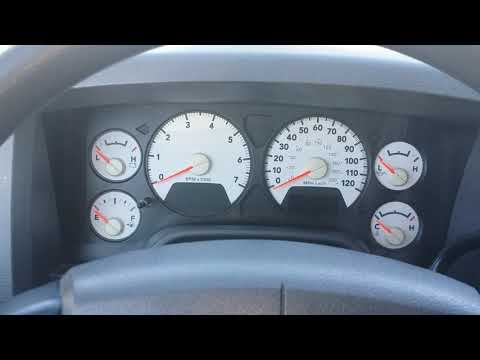
RAM 1500
(2002-2009 /
D1, DM, DC, MK 3, DR, DH)
The procedure to manually reset the oil change light on the 2008 Dodge RAM 1500 is very simple and can be done by anyone independently. First, ensure…
RAM 1500
(2019-2026 /
MK 5, DT)
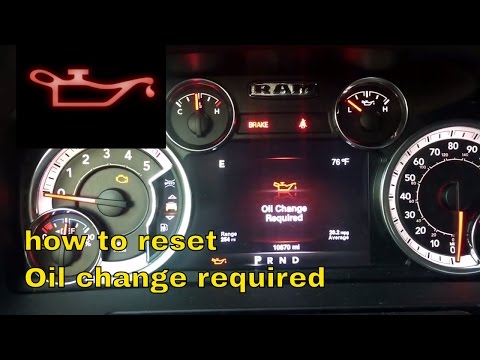
In this video tutorial, see how to reset the oil light on the Dodge RAM 1500 EcoDiesel by following a few simple steps that will guide you to properl…
RAM 1500
(2009-2019 /
DS, DJ, MK 4)
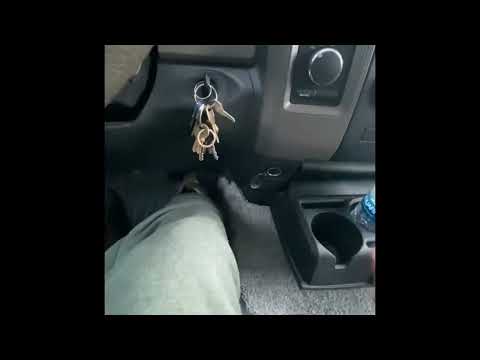
The procedure to manually reset the engine oil change light on a Dodge RAM 1500 (2012) is very simple and can be done independently. Just follow thes…
Other guides you may be interested in
|
How to Activate the Automatic Folding and Unfolding of the Wing Mirrors on the Jeep Compass
Follow these brief instructions to activate the automatic folding and unfolding of the external wing mirrors on the Jeep Compass. First, get inside the vehicle and turn on the ignition; then press the button located beneath the mirror glass adjustment to electrically open the mirror, as shown in the video. Pressing the button in the opposite direction will close the mirrors; by holding the button, the mirrors will open and close automatically! by ScegliAuto More videos
|
|
For advertising on this site Write to info@scegliauto.com
ScegliAuto is not responsible for any inaccuracy of the data in the lists. To report any inaccuracy or your business (if you own the business in question), please write to info@scegliauto.com
Number of seconds to generate the page: 0.181
(c) ScegliAuto 2026 - info@scegliauto.com - Privacy policy VAT number: IT01247470535 |
