
|
Do it yourself
| |||
| ||||


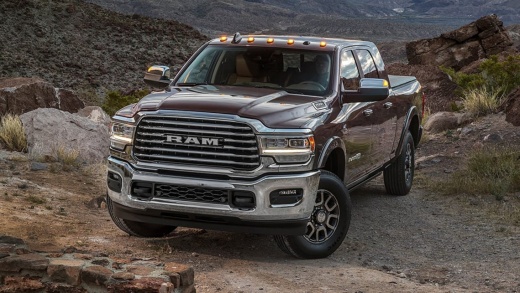
Removing the front bumper of the Ram 2500 (2020)
Model: RAM 2500
MK 5, DT
- Years 2019-2026
In today's video we will see the main instructions to disassemble the original front bumper of the 2020 Ram 2500, following these simple steps. First of all, we open the bonnet and start by disconnecting the various electrical connectors on the inside of the front bumper; after which we use a socket wrench to unscrew the screws, thus removing the fog lights. At this point we remove the plastic clips that we find on the sides of the bumper to unhook and remove it, as shown in the video. For reassembly, just apply the reverse procedure!
Posted on 18 June 2022 by ScegliAuto
Video tutorial
Related tutorials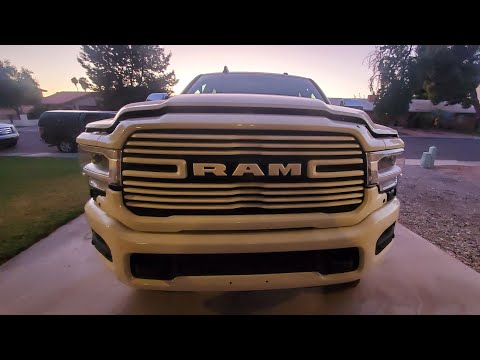
RAM 2500
(2019-2026 /
MK 5, DT)
Let's see in this guide the instructions that will allow us to remove and replace the front bumper grille of the RAM 2500. First we open the bonnet a…
RAM 2500
(2009-2019 /
D2, MK 4, DS, DJ)
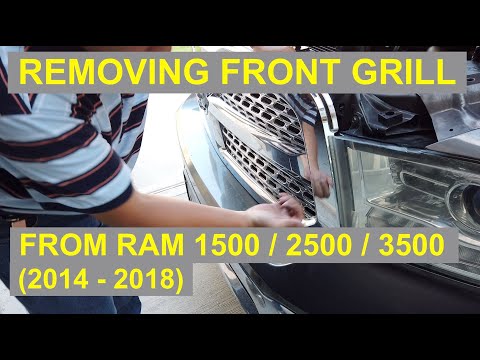
Today we will discover the steps to disassemble and replace the chrome front bumper grille on the RAM 2500, but also on the 1500 and 3500, by followi…
RAM 2500
(2019-2026 /
MK 5, DT)
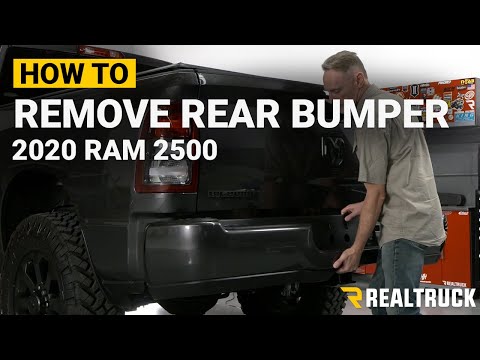
In today's video we will see the step-by-step instructions for disassembling the rear bumper of the Ram 2500 fifth series, from 2020. First of all, w…
Other guides you may be interested in
|
How to Remove the Cabin Filter from a Nissan Juke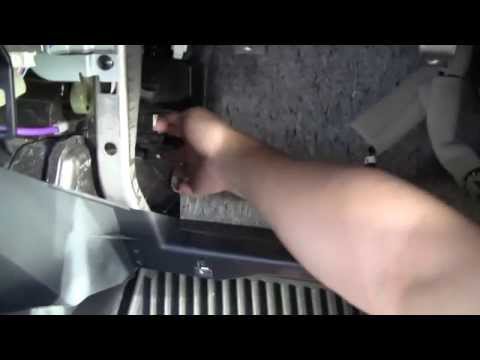
In this video, let’s see how to remove the cabin air filter from a Nissan Juke. Open the glove compartment and unclip the end stop arms. Then, use a screwdriver to remove the securing screws. After completing the previous steps, unscrew the side screws in the glove compartment and remove the plastic cover. Unscrew the screws again, and after disconnecting the power cables, pull the glove compartment away from the dashboard. Then, slide the air filter out of its housing as shown in the video. Insert the new filter and reassemble all the components of the glove compartment as you disassembled them earlier. by ScegliAuto More videos
|
|
For advertising on this site Write to info@scegliauto.com
ScegliAuto is not responsible for any inaccuracy of the data in the lists. To report any inaccuracy or your business (if you own the business in question), please write to info@scegliauto.com
Number of seconds to generate the page: 0.061
(c) ScegliAuto 2026 - info@scegliauto.com - Privacy policy VAT number: IT01247470535 |
