
|
Do it yourself
| |||
| ||||


How to reset the oil service in the RAM Promaster van?
Model: RAM Promaster
MK 1
- Years 2014-2022
In this tutorial we can see how to reset the oil service in the RAM Promaster van, a very simple and fast operation. Before proceeding, of course, we will need to have completed all the planned maintenance work. We start by inserting the key and turning on the instrument panel, not the engine, after which we fully depress the accelerator pedal three consecutive times, very quickly. At this point, if the operation has been carried out correctly, the oil change warning light will have disappeared. If we still want to verify that the reset was successful, we can restart the framework.
Posted on 23 June 2022 by ScegliAuto
Video tutorial
Related tutorials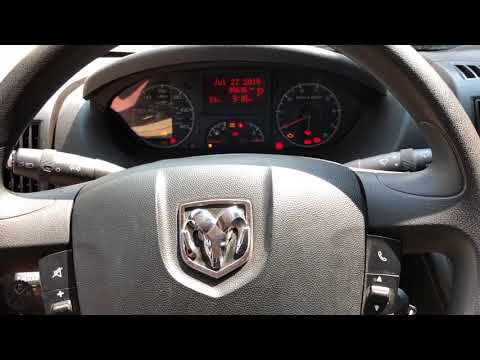
RAM Promaster
(2014-2022 /
MK 1)
In this tutorial we can see how to reset the RAM Promaster van oil service, a very simple and fast operation, to be carried out only after completing…
RAM Promaster
(2014-2022 /
MK 1)
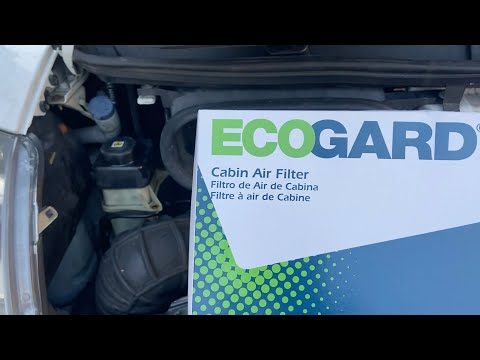
Replacing the cabin filter of the RAM ProMaster van is a very simple and affordable operation, let's see how to proceed in this tutorial. First of al…

RAM Promaster
(2014-2022 /
MK 1)
Let's find out in this short guide the instructions that will allow us to carry out the routine maintenance service, replacing the engine oil and oil…
Other guides you may be interested in
|
How to Replace the Fuel Filter on a Ford Focus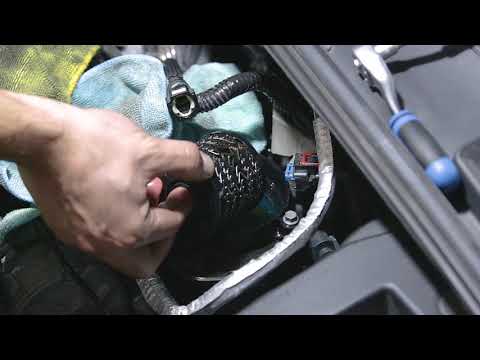
Want to replace the fuel filter on your car without incurring labour costs? Follow this guide to remove the fuel filter on a Ford Focus yourself. First, lift the bonnet and secure it. Once you locate the fuel filter, disconnect it from the pipes and wiring. Use a spanner and socket to unscrew the securing bolts of the upper filter cover, then unscrew the central bolt on the filter. Remove the worn filter and refit the cap with the new filter. Reattach the filter cover in the engine bay with all its parts (pipes and wiring). by ScegliAuto More videos
|
|
For advertising on this site Write to info@scegliauto.com
ScegliAuto is not responsible for any inaccuracy of the data in the lists. To report any inaccuracy or your business (if you own the business in question), please write to info@scegliauto.com
Number of seconds to generate the page: 0.095
(c) ScegliAuto 2026 - info@scegliauto.com - Privacy policy VAT number: IT01247470535 |
