
|
Do it yourself
| |||
| ||||


How to replace the key battery on the Ram 3500 [USA]
To replace the battery in the remote control key on the Ram 3500, proceed as follows. Take the remote control and first remove the security key by pushing the release button. Once the safety key has been extracted, with a coin or a pointed object, lever in the central space of the remote control and lift the lateral lock frame, then extract the remote control shell containing the keys in such a way as to access the compartment containing battery. Extract the battery itself outwards and take the new one (type CR2032) and reinsert it paying attention to the polarity (positive pole at the top). Finally, proceed backwards to reassemble all the components.
Posted on 23 October 2022 by ScegliAuto
Video tutorial
Related tutorials
RAM 3500
(2009-2019 /
DJ, MK 4, DS)
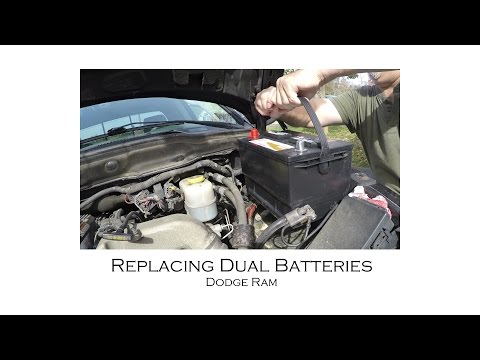
Below we will see the main steps that will allow us to disassemble and replace the battery of the Dodge RAM 3500. First we open the engine hood of ou…
RAM 3500
(2009-2019 /
DJ, MK 4, DS)
In this video we will see the main steps to remove and replace the battery of the RAM 3500, but also of the 2500. First we open the engine hood and b…
RAM 3500
(2019-2026 /
DT, MK 5)
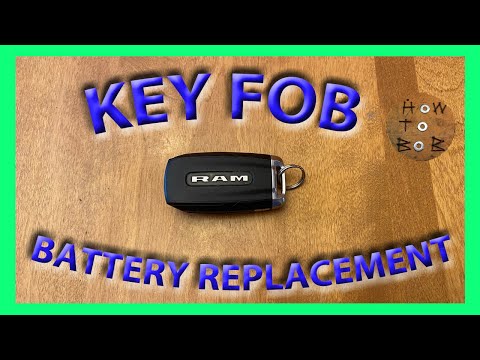
If you are looking for a quick and easy method that allows you to replace the battery inside the key of your 2020 Dodge RAM 3500 then all you have to…
Other guides you may be interested in
|
How to Replace the Gear Knob on an Opel Astra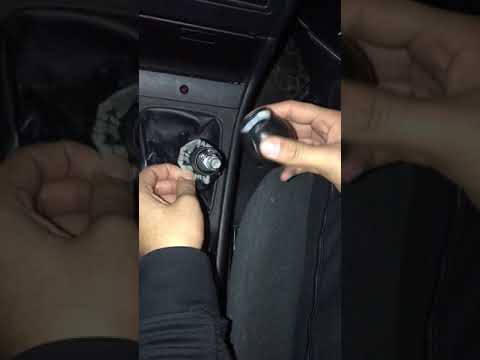
Want to replace the gear knob and gaiter on an Opel Astra? Follow these steps: Use a plastic lever to detach the leather gaiter frame. Grip the knob and rotate it left and right until it comes off the gear stick (cut the plastic tie if present). For installation: Take the new knob and slide it onto the stick in the centre console, securing it in place; fit the new leather gaiter (plastic frame) using clips and all the trim plastics. Test the correct operation of the part. by ScegliAuto More videos
|
|
For advertising on this site Write to info@scegliauto.com
ScegliAuto is not responsible for any inaccuracy of the data in the lists. To report any inaccuracy or your business (if you own the business in question), please write to info@scegliauto.com
Number of seconds to generate the page: 0.136
(c) ScegliAuto 2026 - info@scegliauto.com - Privacy policy VAT number: IT01247470535 |
