
|
Do it yourself
| |||
| ||||


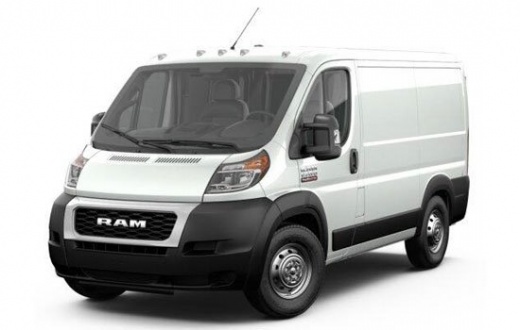
What is the Fuse Diagram for the RAM ProMaster Van?
Model: RAM Promaster
MK 1
- Years:
2014, 2015, 2016, 2017, 2018, 2019, 2020, 2021, 2022
Video tutorial
If some devices in your RAM ProMaster van have suddenly stopped working, the first thing to do is check the status of the related fuses, which are detailed in this video. Locate the first fuse box inside the cabin, in the lower dashboard area on the driver's side. The second fuse box is located in the engine compartment, protected by a black plastic cover also on the driver's side. Make sure to replace any blown fuses with replacements of the same amperage; otherwise, you may damage the various devices.
Updated on 16 August 2026 by ScegliAuto
Related tutorials
RAM Promaster
(2014-2022 /
MK 1)
In this video, you can see the fuse diagram for the RAM Promaster van, to consult in case you need to check the fuse for a malfunctioning device. As …

RAM Promaster
(2014-2022 /
MK 1)
If any devices in your RAM Promaster van suddenly stop working, the first thing to do is check the status of the corresponding fuses, which are detai…

RAM Promaster
(2014-2022 /
MK 1)
To adjust the sliding door on the RAM ProMaster, open the door to access the screws located at the hinges. Once you locate these screws, tighten or l…
Other guides you may be interested in
|
How to Reset the Tyre Light on a Toyota Aygo?
To reset the tyre light on a Toyota Aygo, start by locating the reset button, which is found in the glove compartment of the front passenger side. Turn on the car and ensure that the tyres are at the correct pressure. Then, press and hold the reset button for a few seconds until the tyre light either flashes or turns off, depending on the model. Release the button and wait for the reset procedure to complete. Restart your Toyota Aygo and check if the tyre light has turned off, indicating that the reset was successful. by ScegliAuto More videos
|
|
For advertising on this site Write to info@scegliauto.com
ScegliAuto is not responsible for any inaccuracy of the data in the lists. To report any inaccuracy or your business (if you own the business in question), please write to info@scegliauto.com
Number of seconds to generate the page: 0.108
(c) ScegliAuto 2026 - info@scegliauto.com - Privacy policy VAT number: IT01247470535 |
