
|
Do it yourself
| |||
| ||||



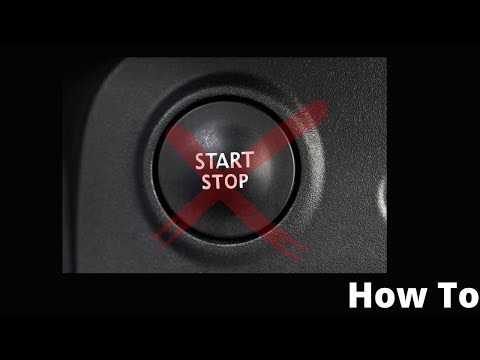
Is there a way to deactivate the start and stop function in the Renault Clio?
Model: Renault Clio
Clio IV, Clio 4, MK 4
- Years:
2012, 2013, 2014, 2015, 2016, 2017, 2018, 2019
Video tutorial
Well-known device that is mentioned above, in fact it is now present in all recently built cars. Its function is essentially to reduce environmental pollution by turning off the vehicle's engine at each stop and automatically restarting it. However, for those who do not want to keep this function active, they can deactivate it as indicated in the video tutorial available here: After turning on the instrument panel, press the button to the left of the steering wheel, which shows the start and stop symbol and the word Off. To reactivate it, press the same button again.
Posted on 17 May 2025 by ScegliAuto
Related tutorials
Renault Clio
(2012-2019 /
Clio IV, Clio 4, MK 4)
The following steps will show us how to activate and deactivate the Start&Stop system of the Renault Clio, as well as the Captur. First, we get on bo…

Renault Clio
(2019-2026 /
Clio V, Clio 5)
Temporarily deactivating the Start&Stop system on the Renault Clio model V is a simple and quick task you can do yourself. Simply start the vehicle a…
Renault Clio
(2012-2019 /
Clio IV, Clio 4, MK 4)
To disable the Start&Stop system on a Renault Clio, remove the side panel of the dashboard near the driver's door and the light activation controls. …
Other guides you may be interested in
|
Frequently Asked QuestionsHow to Reset the AdBlue Warning Light on a Peugeot Boxer
To reset the AdBlue system on a 2018 Peugeot Boxer, follow these steps: Start the engine and ensure the vehicle is parked in a well-ventilated area. Locate the "MENU" button on the dashboard or steering wheel controls. Press and hold the "MENU" button until the menu options appear on the display. Use the arrow buttons or scroll wheel to access the "Vehicle Settings" or "Settings" menu. Select the "AdBlue" or "AdBlue System" option. Look for the "Recharge" or "Reset" option in the AdBlue menu. Once you find the reset option, select it and confirm your choice when prompted. The system will be reset, and a confirmation message may appear on the display. Turn off the engine and wait a few seconds. Restart the engine and check that the AdBlue system has been reset. by ScegliAuto More videos
|
|
For advertising on this site Write to info@scegliauto.com
ScegliAuto is not responsible for any inaccuracy of the data in the lists. To report any inaccuracy or your business (if you own the business in question), please write to info@scegliauto.com
Number of seconds to generate the page: 0.035
(c) ScegliAuto 2026 - info@scegliauto.com - Privacy policy VAT number: IT01247470535 |
