
|
Do it yourself
| |||
| ||||


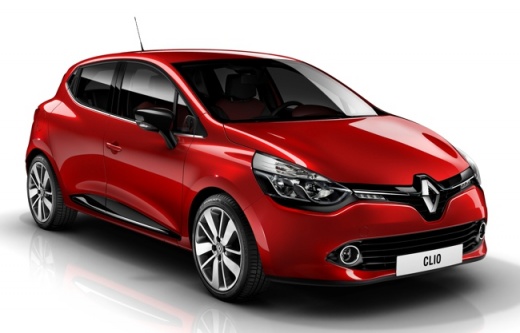
How to replace the cabin air filter of the Renault Clio 2016
Model: Renault Clio
Clio IV, Clio 4, MK 4
- Years:
2012, 2013, 2014, 2015, 2016, 2017, 2018, 2019
Video tutorial
In order to replace the cabin air filter in your Renault Clio Mk4 (2016), you just need to follow the steps described in the following guide. First of all, enter the car from the passenger side and reach the front seat. Once you have done this, bend down in the bottom of the glove compartment and locate the box containing the air filter. At this point, unscrew the screws and remove the old air filter in order to replace it with a new one that is perfectly compatible. Finally, reattach the two screws removed earlier and you are done.
Posted on 3 September 2025 by ScegliAuto
Related tutorials
Renault Clio
(2012-2019 /
Clio IV, Clio 4, MK 4)
One of the simplest maintenance tasks you can perform on your Renault Clio Mk4 (2012-2019) is replacing the cabin air filter. In this guide, we will …
Renault Clio
(2012-2019 /
Clio IV, Clio 4, MK 4)
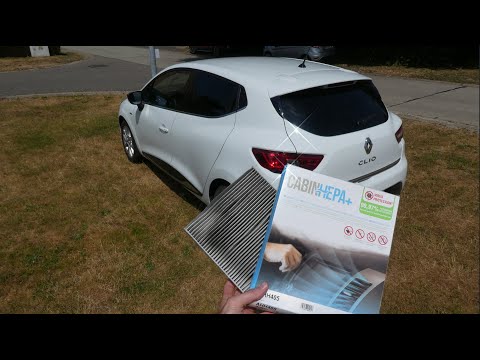
Fortunately, the procedure to replace the cabin air filter in your Renault Clio Mk4 is very simple, and by following these steps, you will complete i…

Renault Clio
(2012-2019 /
Clio IV, Clio 4, MK 4)
To replace the engine air filter on your Renault Clio fourth generation by yourself, you only need a few minutes. All you have to do is read the foll…
Other guides you may be interested in
|
How to open the boot if it is stuck on a Mercedes B-Class?
On the Mercedes B-Class, the boot may become stuck, possibly due to a problem with the control button or the lock actuator. In this case, perform the emergency opening by following the simple procedure shown in this tutorial. First, unlock the locks with the remote control, then open the rear doors and, by operating the indicated lever, lower the backrest of the seat. Next, go inside the boot, locate the indicated gap, and manually unlock the lock using a small screwdriver. by ScegliAuto More videos
|
|
For advertising on this site Write to info@scegliauto.com
ScegliAuto is not responsible for any inaccuracy of the data in the lists. To report any inaccuracy or your business (if you own the business in question), please write to info@scegliauto.com
Number of seconds to generate the page: 0.090
(c) ScegliAuto 2026 - info@scegliauto.com - Privacy policy VAT number: IT01247470535 |
