
|
Do it yourself
| |||
| ||||


Disassembly guide for the Renault Master instrument panel
Model: Renault Master
MK 2
- Years:
1997, 1998, 1999, 2000, 2001, 2002, 2003, 2004, 2005, 2006, 2007, 2008
Video tutorial
Below we will see the main instructions that will allow us to disassemble and replace the instrument panel of the Renault Master dashboard. First, we get on board the vehicle and start disassembling and removing the upper plastic cover of the instrument panel; then we unscrew all the fixing screws we find on the sides of the panel, subsequently disconnecting the electrical connectors found on the back, as shown in the video. At this point, we carry out the repair or replacement of the instrument panel, fixing it on the dashboard and reassembling the upper plastic partition.
Posted on 25 September 2025 by ScegliAuto
Related tutorials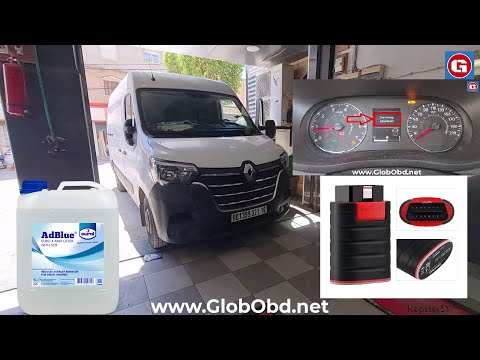
Renault Master
(2010-2023 /
MK 3)
Today's guide will show you how to reset the AdBlue warning light on the Renault Master, as well as on the Renault Clio and Dacia Duster. When you tu…
Renault Master
(2010-2023 /
MK 3)
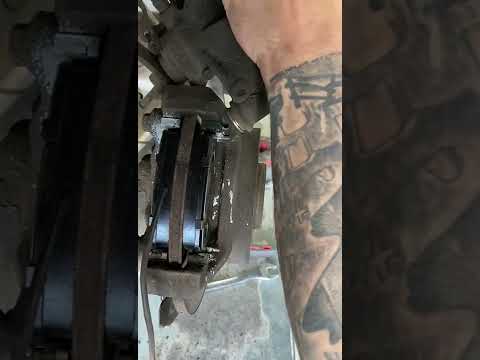
This guide will show you the main steps to remove and replace the rear brake pads on the Renault Master. First, lift the vehicle and remove the rear …

Renault Master
(2010-2023 /
MK 3)
Today we will see the main instructions on how to disassemble and replace the cabin fan of the Renault Master. First, let's get inside the cabin and …
Other guides you may be interested in |
How to Reset the Tyre Light on a Toyota Aygo?
To reset the tyre light on a Toyota Aygo, start by locating the reset button, which is found in the glove compartment of the front passenger side. Turn on the car and ensure that the tyres are at the correct pressure. Then, press and hold the reset button for a few seconds until the tyre light either flashes or turns off, depending on the model. Release the button and wait for the reset procedure to complete. Restart your Toyota Aygo and check if the tyre light has turned off, indicating that the reset was successful. by ScegliAuto More videos
|
|
For advertising on this site Write to info@scegliauto.com
ScegliAuto is not responsible for any inaccuracy of the data in the lists. To report any inaccuracy or your business (if you own the business in question), please write to info@scegliauto.com
Number of seconds to generate the page: 0.017
(c) ScegliAuto 2026 - info@scegliauto.com - Privacy policy VAT number: IT01247470535 |
