
|
Do it yourself
| |||
| ||||


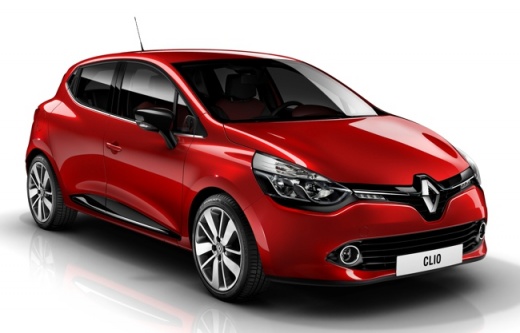
How to Reset the TPMS Light on a Renault Clio 4
Model: Renault Clio
Clio IV, Clio 4, MK 4
- Years:
2012, 2013, 2014, 2015, 2016, 2017, 2018, 2019
Video tutorial
The TPMS sensor plays an important role in automatically detecting the air pressure within the tyres of your Clio Mk4 in real-time. However, for various reasons, it may produce reading errors that cause the warning light on the dashboard to illuminate. To resolve this issue, simply perform the following manual reset procedure. First, insert the key and turn on the ignition. Then, navigate through the onboard computer menu and find the section related to tyre pressure. Finally, press and hold the button at the end of the right lever for a few seconds to complete the reset.
Updated on 11 May 2026 by ScegliAuto
Related tutorials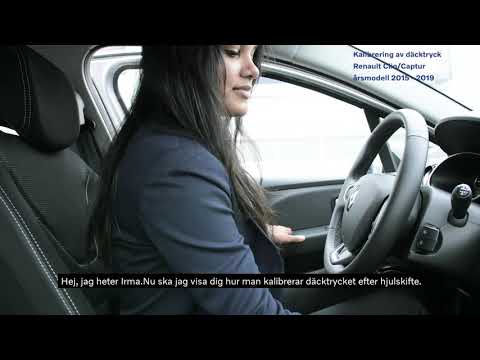
Renault Clio
(2012-2019 /
Clio IV, Clio 4, MK 4)
Follow this brief and simple guide to reset the Tyre Pressure Monitoring System (TPMS) warning light on the Renault Clio. First, get in the vehicle a…

Renault Clio
(2019-2026 /
Clio V, Clio 5)
Today, in this guide, we will see the steps and instructions that will allow us to reset the tyre pressure warning light on the Renault Clio; before …

Renault Clio
(2019-2026 /
Clio V, Clio 5)
Today we will see how to reset the tire pressure warning light (TPMS) of the Renault Clio; before performing the reset, it is necessary that all four…
Other guides you may be interested in
|
How to Set the Time on an Audi A6
Briefly, we will see the instructions to set the time on the Audi A6 by following these simple steps. First, get inside the vehicle and turn on the instrument cluster; then press the settings button and navigate to the time option to confirm your choice, as shown in the video. At this point, set the correct time and format, then exit the settings menu to save the changes made; finally, start the engine and ensure that the time has been set correctly! by ScegliAuto More videos
|
|
For advertising on this site Write to info@scegliauto.com
ScegliAuto is not responsible for any inaccuracy of the data in the lists. To report any inaccuracy or your business (if you own the business in question), please write to info@scegliauto.com
Number of seconds to generate the page: 0.093
(c) ScegliAuto 2026 - info@scegliauto.com - Privacy policy VAT number: IT01247470535 |
