
|
Do it yourself
| |||
| ||||


How to Reset the Maintenance Light on the Renault Clio
Model: Renault Clio
Clio IV, MK 4, Clio 4
- Years 2012-2019
In this tutorial, see how to reset the maintenance light on the Renault Clio, a very simple and quick operation. Of course, this procedure should only be performed after completing all the tasks required by the service. First, insert the key, then navigate to the maintenance screen you wish to reset using the two directional arrows at the end of the right lever. Once you reach it, hold down the up arrow button until the procedure is complete. To verify that the operation has been carried out correctly, you can restart the ignition.
Updated on 11 May 2026 by ScegliAuto
Video tutorial
Related tutorials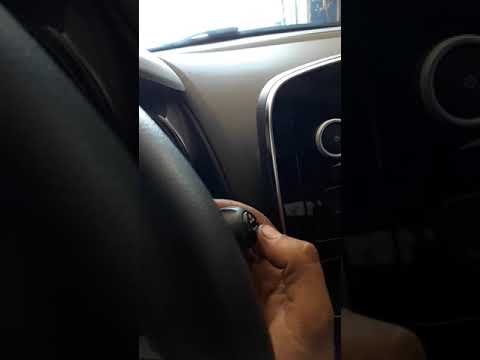
Renault Clio
(2012-2019 /
Clio IV, MK 4, Clio 4)
Before you can begin, sit in the driver's seat of your Renault Clio. Start by highlighting the phrase "Maintenance Range" on the multifunction displa…

Renault Clio
(2005-2013 /
MK 3, Clio 3, Clio III)
To reset the Service light on the Renault Clio, turn the key to switch on the instrument cluster so that the maintenance overdue light appears on the…
Renault Clio
(2012-2019 /
Clio IV, MK 4, Clio 4)
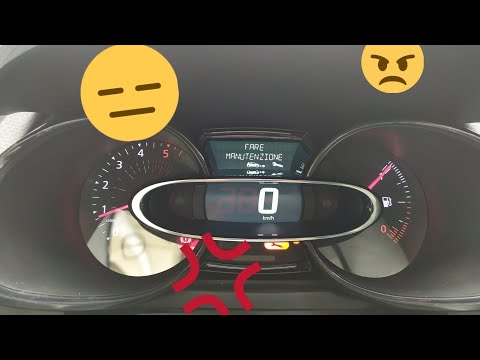
Before you begin, sit in the driver's seat of your Renault Clio. Start by activating the instrument panel. Next, select the "Service Interval" option…
Other guides you may be interested in
|
Frequently Asked QuestionsHow to Bleed the Clutch on a Renault Clio?
To bleed the clutch on a Renault Clio, open the bonnet to access the components located in the engine bay: here, you will need to undo the screws that secure the battery in its housing, the intake manifold, and the coolant reservoir. This will allow you to locate the pipe through which the brake fluid flows: by inserting the other end of the pipe into a container, you can press the clutch pedal to expel all the fluid until it fills the container. by ScegliAuto More videos
|

|
For advertising on this site Write to info@scegliauto.com
ScegliAuto is not responsible for any inaccuracy of the data in the lists. To report any inaccuracy or your business (if you own the business in question), please write to info@scegliauto.com
Number of seconds to generate the page: 0.336
(c) ScegliAuto 2026 - info@scegliauto.com - Privacy policy VAT number: IT01247470535 |
