
|
Do it yourself
| |||
| ||||


How to Reset the Service Light on the Renault Symbol
Model: Renault Symbol
Symbol II
- Years:
2008, 2009, 2010, 2011, 2012
Video tutorial
In this tutorial, you will see how to reset the service light on the Renault Symbol, a very simple and quick operation. Before proceeding, make sure you have completed all scheduled maintenance tasks. Start by inserting the key and turning on the instrument cluster, then scroll through the display screens with quick presses of the button at the end of the right lever. Once you reach the service interval, hold down the same button for about 10 seconds, or for as long as it takes to reset it to 20,000. Finally, restart the vehicle.
Updated on 5 June 2026 by ScegliAuto
Related tutorials
Renault Symbol
(2012-2019 /
Symbol III)
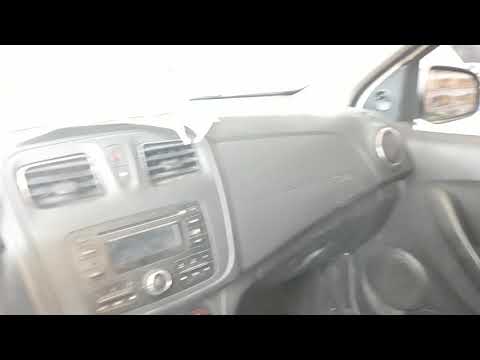
In this video, you will see how to reset the service light on a Renault Symbol (this same vehicle is called Thalia in some markets). Press the button…
Renault Symbol
(2012-2019 /
Symbol III)
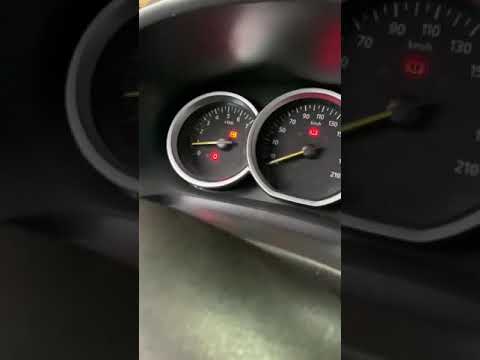
In this tutorial, you will see how to reset the service light in a Renault Symbol, an extremely simple and quick operation. Before doing this, ensure…
Renault Symbol
(2012-2019 /
Symbol III)
Whenever you change the engine oil and the corresponding filter on your vehicle, as specified in the owner's manual, you need to reset the service li…
Other guides you may be interested in
|
How to reset the tyre pressure warning light on the Dacia Sandero?
The tyre pressure warning light that appears on the instrument cluster of the Dacia Sandero can be reset by inflating the tyres until they reach the correct pressure value: this value is indicated on the sticker attached to the driver’s door pillar. Once the inflation is complete, navigate through the menu that appears on the instrument cluster to find the option related to the tyres: select this with the OK button, which should then be held down for a few seconds to completely turn off the light. by ScegliAuto More videos
|
|
For advertising on this site Write to info@scegliauto.com
ScegliAuto is not responsible for any inaccuracy of the data in the lists. To report any inaccuracy or your business (if you own the business in question), please write to info@scegliauto.com
Number of seconds to generate the page: 0.084
(c) ScegliAuto 2026 - info@scegliauto.com - Privacy policy VAT number: IT01247470535 |
