
|
Do it yourself
| |||
| ||||


How to reset the Renault Wind service light
Model: Renault Wind
MK 1
- Years 2010-2013
If you have just had your Renault Wind serviced or if you simply want to postpone this operation, you must necessarily perform a manual reset of the relevant warning light. It is a very quick and easy procedure that we will describe below. First, insert the key and turn on the ignition without also starting the engine. Use the button located at the end of the right-hand stalk switch and navigate through the menu until you see the vehicle maintenance item. At this point, hold down the same button used just before and release it as soon as the number shown in the mini display stops flashing. Finally, turn off the ignition and you're done.
Posted on 21 October 2022 by ScegliAuto
Video tutorial
Related tutorials
Renault Wind
(2010-2013 /
MK 1)
In this guide, we will explore the steps to reset the service light for regular maintenance on the Renault Wind. First, let's get inside the vehicle …
Other guides you may be interested in
|
How to Remove the Brake Disc on Mitsubishi Pajero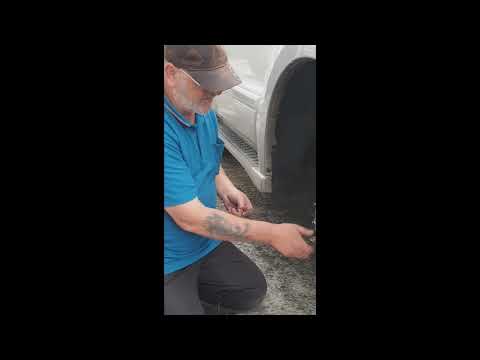
How to remove the brake disc along with the brake pads on a Mitsubishi Pajero? First, lift the vehicle on a column lift to a suitable height for working. Next, remove the wheel (using a telescopic spanner or air drill) with the respective bolts. Undo the locking bolt of the brake caliper, and remove it from the caliper support. Remove the caliper support from the wheel hub using a socket spanner. Once the brake disc is free, undo the screws with a fixed spanner and detach the disc from the wheel hub. Disconnect the various wiring and brake fluid pipes from the wheel assembly. Replace them with new parts (always use original and compliant parts). Prepare to install the new disc along with the respective pads, brake caliper, caliper support, etc. by ScegliAuto More videos
|

|
For advertising on this site Write to info@scegliauto.com
ScegliAuto is not responsible for any inaccuracy of the data in the lists. To report any inaccuracy or your business (if you own the business in question), please write to info@scegliauto.com
Number of seconds to generate the page: 0.125
(c) ScegliAuto 2026 - info@scegliauto.com - Privacy policy VAT number: IT01247470535 |
