
|
Do it yourself
| |||
| ||||


Replacement of Front Discs and Pads
Model: Renault Scenic
Scenic 2, MK 2
- Years 2003-2009
Lift the vehicle on suitable axle stands and remove the front wheel; unscrew the retaining bolts of the brake caliper from the support and remove it; then also remove the caliper support and extract the old pads by removing the sliding plates to clean their respective seats; unscrew the retaining bolt of the disc from the hub and remove the old disc, brush the hub to remove oxidation residues, clean the new disc from protective oil and install it on the hub, securing it with the retaining bolt; then proceed in reverse order by mounting the caliper support, the new pads, and the caliper itself after retracting the piston with the appropriate tool.
Updated on 15 February 2026 by ScegliAuto
Video tutorial
Related tutorials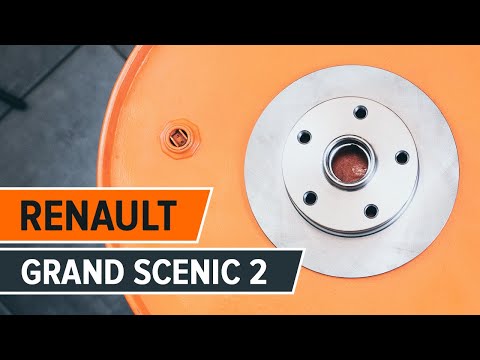
Renault Scenic
(2003-2009 /
Scenic 2, MK 2)
To replace the front discs and pads, lift the vehicle on a ramp and remove the front wheel; then disconnect the retaining spring of the pads, remove …
Renault Scenic
(1996-2003 /
)
Obtain original replacement discs, then remove the wheel and subsequently detach the caliper. Remove the caliper support bracket using a spanner by u…
Renault Scenic
(2009-2015 /
MK III, Scenic III, Scenic 3, MK 3)
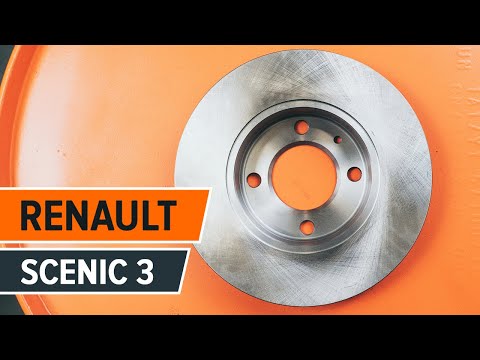
To replace the rear brake discs, lift the vehicle and remove the rear wheel; then remove the caliper mounting bolts and hang it with a cable or zip t…
Other guides you may be interested in
|
How to Replace the Timing Belt on a Peugeot 206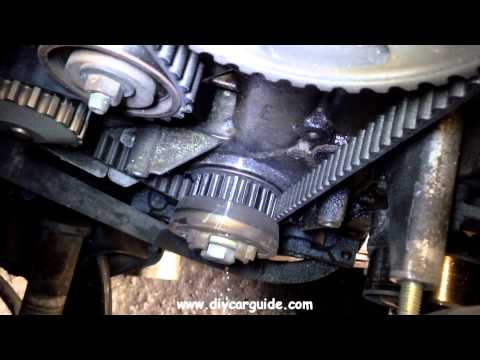
First, release the bonnet from the lever and lift it. Access to the belt is easier from the front right wheel, so remove it. Now disconnect the battery cables. Once the wheel is completely removed, you will also need to remove the brake to work from underneath your vehicle. Unscrew the tensioner and the lower pulley cover, allowing you to comfortably extract the new belt in position. Now simply retrace the steps described above to reassemble the various components. by ScegliAuto More videos
|
|
For advertising on this site Write to info@scegliauto.com
ScegliAuto is not responsible for any inaccuracy of the data in the lists. To report any inaccuracy or your business (if you own the business in question), please write to info@scegliauto.com
Number of seconds to generate the page: 0.063
(c) ScegliAuto 2026 - info@scegliauto.com - Privacy policy VAT number: IT01247470535 |
