
|
Do it yourself
| |||
| ||||


How to reset the service on the Renault Master
Model: Renault Master
MK 2
- Years 1997-2010
If we have carried out the engine oil change in DIY mode and it is related to the filter on this vehicle model, to complete the process we must proceed to reset the service light which came on on the instrument panel, the modes from follow are given in the description below and we can also help you with the video image. First of all, sit in the driver's seat and turn on the ignition, then press and hold the accelerator all the way down and then press and release the brake pedal three consecutive times. At the end of this procedure, release both pedals and the service warning light on the instrument panel will go off.
Posted on 13 March 2023 by ScegliAuto
Video tutorial
Related tutorials
Renault Master
(2010-2023 /
MK 3)
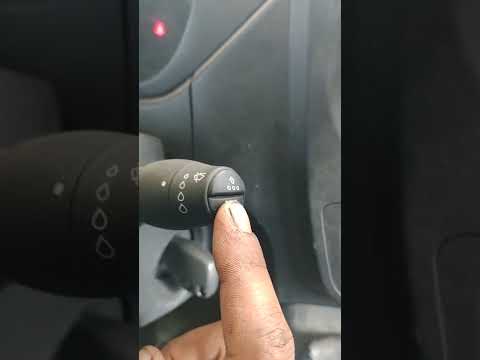
In this tutorial, you will see how to reset the service light on the Renault Master van, an extremely simple and quick operation, to be performed onl…
Renault Master
(2010-2023 /
MK 3)
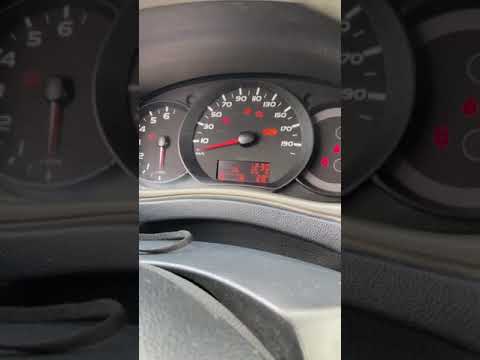
Through this very short video tutorial, we can see how to reset the service indicator on a third-generation Renault Master, a specific model produced…
Renault Master
(2010-2023 /
MK 3)
In this tutorial, we can see how to reset the service in the Renault Master van, an extremely simple and fast operation. Before proceeding, make sure…
Other guides you may be interested in
|
Frequently Asked QuestionsReplacing the Air Conditioning Fuse on Citroen C3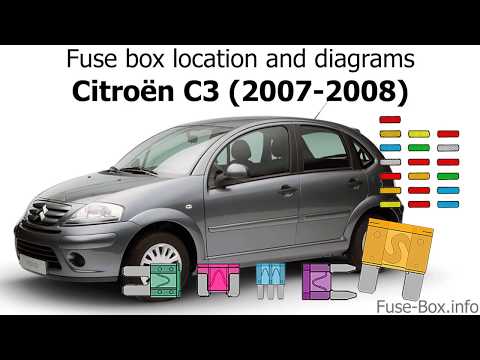
To replace the air conditioning fuse on the C3, locate the fuse position. Use a plastic lever to remove the cover located in the dashboard under the steering wheel (left side), then use pliers to pull out the damaged fuses in the compartment. Once this is done, insert the new fuses into the appropriate slots in the compartment. Finally, close the fuse inspection box with the cover and test for proper operation. You can also find fuses inside the glove compartment on the right side of the dashboard (remove the drawer if necessary). by ScegliAuto More videos
|
|
For advertising on this site Write to info@scegliauto.com
ScegliAuto is not responsible for any inaccuracy of the data in the lists. To report any inaccuracy or your business (if you own the business in question), please write to info@scegliauto.com
Number of seconds to generate the page: 0.200
(c) ScegliAuto 2026 - info@scegliauto.com - Privacy policy VAT number: IT01247470535 |
