
|
Do it yourself
| |||
| ||||


Replacing Brake Discs and Pads
Model: Renault Megane
Megane 2
- Years 2002-2010
After removing the wheel with two spanners, loosen the two retaining nuts of the shoes and use a ratchet to completely remove the bolts. Remove the shoes. Using a screwdriver and hammer, remove the cover at the centre of the axle and use a ratchet to remove the bolt. Remove the brake disc. Lubricate the shaft and refit a new disc. Tighten the disc retaining bolt firmly with a torque wrench. Refit the cover of the bolt and clean with a cloth. Clean and lubricate the shoe pins. Refit the shoe supports by carefully tightening the bolts. Use the appropriate extractor to adjust the shoes. Refit the new pads.
Updated on 2 February 2026 by ScegliAuto
Video tutorial
Related tutorials
Renault Megane
(2015-2023 /
Megane 4, Megane IV)
Let’s see how to activate the rear brake pad replacement procedure on the Renault Megane IV: turn on the ignition, press the brake pedal, and deactiv…
Renault Megane
(2002-2010 /
Megane 2)
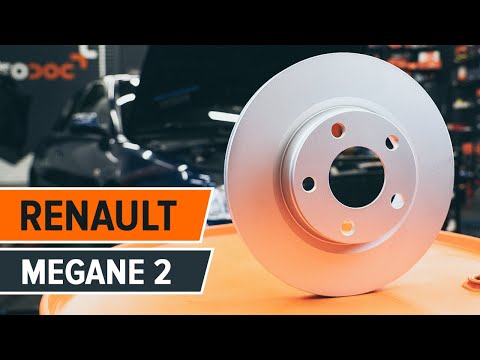
How to replace the front brake pads on a Renault Megane. Position your car on a column lift and raise it to a comfortable working height. Use a socke…
Renault Megane
(2002-2010 /
Megane 2)
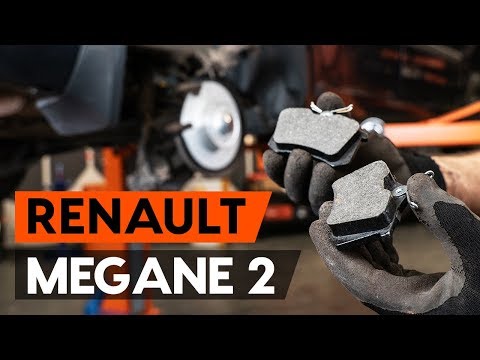
To replace the rear brake pads on a Renault Megane, first unscrew the bolts that secure the wheel to the hub, allowing access to the disc and brake a…
Other guides you may be interested in
|
How to Adjust the Brightness of the Instrument Cluster on a Peugeot 3008?
To adjust the brightness of the instrument cluster on a Peugeot 3008, you need to turn on the ignition and access the settings via the menu located in the central area of the dashboard. In the screen that appears, select the "Display Configuration" option: now, by selecting the "Brightness" option, you can adjust it using the dedicated slider that will appear on the screen. The adjustment should be made with the headlights on as well as with them off. Once the adjustment is complete, you can turn off the instrument cluster. by ScegliAuto More videos
|
|
For advertising on this site Write to info@scegliauto.com
ScegliAuto is not responsible for any inaccuracy of the data in the lists. To report any inaccuracy or your business (if you own the business in question), please write to info@scegliauto.com
Number of seconds to generate the page: 0.183
(c) ScegliAuto 2026 - info@scegliauto.com - Privacy policy VAT number: IT01247470535 |
