
|
Do it yourself
| |||
| ||||


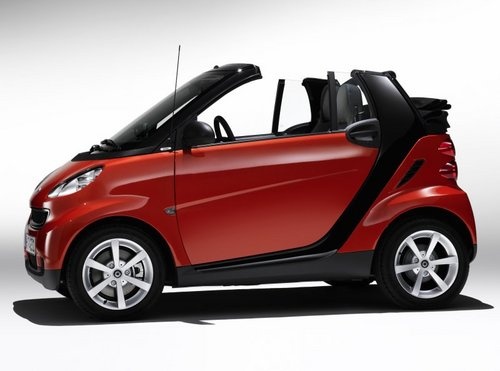
How to Bleed the Cooling System on a Smart?
Model: Smart Smart
451
- Years:
2007, 2008, 2009, 2010, 2011, 2012, 2013, 2014, 2015
Video tutorial
Note that the tool used in this video is suitable not only for the Smart but for any car model. Bleeding a cooling system involves removing the old coolant and adding the new one, just as shown in the available video. It is very simple; after installing the aforementioned tool, open the tap to drain the liquid from the radiator, while reversing the process to draw from the canister of new liquid to pour it into the previously mentioned radiator. An excellent solution that is accessible to everyone.
Updated on 23 October 2026 by ScegliAuto
Related tutorials
Smart
(2007-2015 /
451)
Today's step-by-step instructions will show you how to replace the coolant in a Smart Fortwo. First, raise the vehicle and start by undoing the coola…

Smart
(2014-2022 /
453)
Follow these instructions to check and replace the engine coolant in a Smart Fortwo. First, go to the engine compartment and check the coolant level,…

Smart
(1998-2007 /
450)
Before starting, open the rear boot of your Smart ForTwo, then unclip and remove the engine cover. Next, drain the cooling system by unscrewing the r…
Other guides you may be interested in |
How to Open the Fuel Filler Flap in the Hyundai i30?
In this tutorial, you will learn how to open the fuel filler flap in the Hyundai i30, a very simple operation that follows the typical procedure of most vehicles. First, unlock the locks using the designated button on the remote, then open the driver's door, locate the release lever on the left side of the seat, and operate it. Next, move to the fuel filler flap, open it completely, unscrew the cap, and refuel as needed. To close the flap, simply press it gently. by ScegliAuto More videos
|
|
For advertising on this site Write to info@scegliauto.com
ScegliAuto is not responsible for any inaccuracy of the data in the lists. To report any inaccuracy or your business (if you own the business in question), please write to info@scegliauto.com
Number of seconds to generate the page: 0.018
(c) ScegliAuto 2026 - info@scegliauto.com - Privacy policy VAT number: IT01247470535 |
