
|
Do it yourself
| |||
| ||||


How do you reset the Service light on the Smart Forfour?
Model: Smart Smart
Fourfour1, 454
- Years 2004-2006
It will be possible to completely make the Service light disappear from the dashboard of the Smart Forfour by holding down the button located at the top left of the dashboard: you need to keep it pressed while the dashboard is off. While continuing to hold this button, you will need to insert the ignition key into its slot and turn it to turn on the dashboard: once it is on, you will need to wait for the light to be reset. At this point, you can release the button and then turn off the dashboard, checking that the reset is complete.
Posted on 24 January 2026 by ScegliAuto
Video tutorial
Related tutorials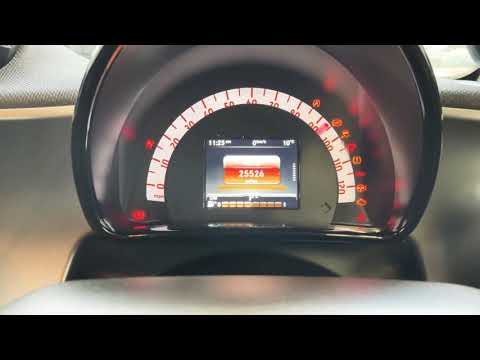
Smart
(2014-2021 /
)
The first step to reset the service light on a 2015 Smart ForFour is to turn on the instrument panel. We use the control panel located on the left si…

Smart
(2004-2006 /
Fourfour1, 454)
Let's see in this video how to turn off the service light on a Smart Forfour: the correct method varies depending on the year of production. For the …
Smart
(2004-2006 /
Fourfour1, 454)
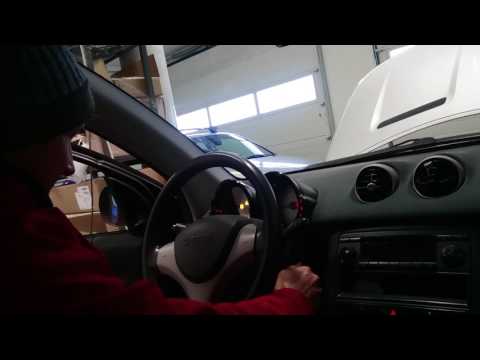
The operation of resetting the Service light of the Smart Forfour is done by holding down the button located in the upper left part of the instrument…
Other guides you may be interested in
|
How to Replace the Boot Compartment Light Bulb on a Peugeot 208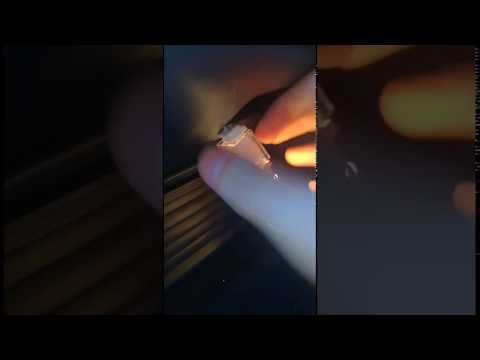
If you want to improve visibility inside the boot compartment, it is recommended to replace the original incandescent bulb with a LED type (T10 fitting); once the rear hatch is opened, locate the bulb holder positioned on the side, near the shock absorber dome, where the plastic grille is located. Then, lever the retaining tab to extract the bulb holder, disconnect the power connector, and remove the old bulb to replace it with the LED one; reconnect the power, check the correct operation of the bulb (if not, rotate it 180°), and reposition the bulb holder in its place. by ScegliAuto More videos
|
|
For advertising on this site Write to info@scegliauto.com
ScegliAuto is not responsible for any inaccuracy of the data in the lists. To report any inaccuracy or your business (if you own the business in question), please write to info@scegliauto.com
Number of seconds to generate the page: 0.102
(c) ScegliAuto 2026 - info@scegliauto.com - Privacy policy VAT number: IT01247470535 |
