
|
Do it yourself
| |||
| ||||


How to disassemble the stereo on Smart Fortwo
Model: Smart Smart
453
- Years 2014-2022
How to disassemble and remove the original car stereo on Smart Fortwo? Let's see how to do the disassembly: turn off the car radio, then use levers (plastic or metal) to disassemble the car stereo. We remove the plastic frame of the stereo with the levers; unscrew the fastening screws of the stereo (as in the video) and extract the car radio, paying attention to the various wiring of the same (disconnect the power supply terminals and the antenna cable). We reassemble the original car stereo or one of a generic brand with a special adapter for the power connectors and for the housing.
Posted on 25 December 2019 by ScegliAuto
Video tutorial
Related tutorials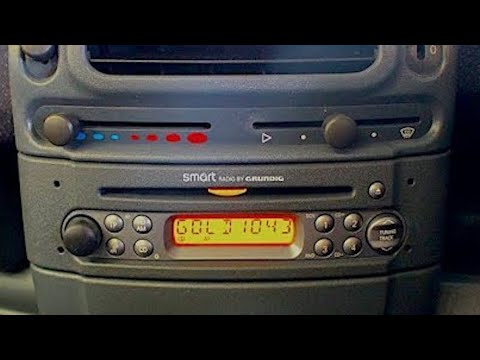
Smart
(1998-2007 /
450)
Disassembly and assembly of the stereo on a Smart Fortwo, let's see how to do it. We use the original or aftermarket metal keys to disassemble the Du…
Smart
(2007-2015 /
451)
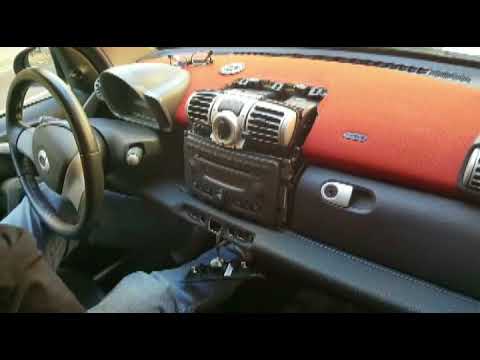
Disassembly of the damaged car radio of a Smart Fortwo, let's see how. Remove the stereo trim frame with a plastic lever (where the ventilation vents…
Smart
(1998-2007 /
450)
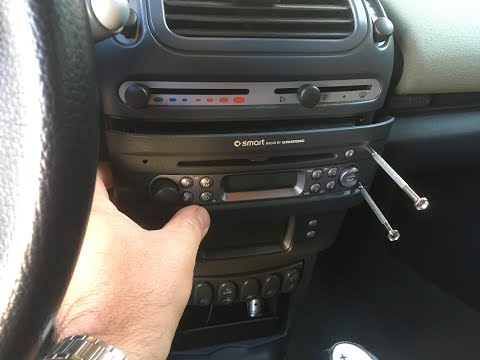
Remove the car stereo from the Smart Fortwo? We disassemble the car radio and assemble a new one. We use the original or aftermarket metal keys to di…
Other guides you may be interested in
|
How to Remove the Third Brake Light from a Renault Clio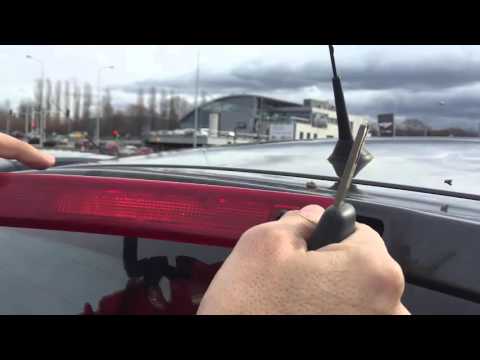
In this video, we will see how to remove the third brake light from a Renault Clio. First, open the boot lid and remove the plastic rivets with a screwdriver, then close the boot. Extract the third brake light from the metal of the boot lid using your hands. Once the piece is removed from its housing, disconnect the power connector and attach the new third brake light. After fitting the bulbs, insert the piece back into the boot lid and secure it with the plastic rivets. Finally, check the correct operation of the lights after turning on the instrument panel. by ScegliAuto More videos
|

|
For advertising on this site Write to info@scegliauto.com
ScegliAuto is not responsible for any inaccuracy of the data in the lists. To report any inaccuracy or your business (if you own the business in question), please write to info@scegliauto.com
Number of seconds to generate the page: 0.102
(c) ScegliAuto 2026 - info@scegliauto.com - Privacy policy VAT number: IT01247470535 |
