
|
Do it yourself
| |||
| ||||


Replacing the Front Wheel Bearing on a Smart Roadster/Fortwo
Model: Smart Smart
Fourfour1, 454
- Years:
2004, 2005, 2006
Video tutorial
Loosen the 15 mm bolts of the affected wheel, lift the car with a jack, and remove them completely. Take off the wheel. Using a 13 mm socket and a 16 mm spanner, unscrew the bolt and nut located behind the brake caliper and detach it, then remove the brake pads which will now be free. Using a 14 mm socket, unscrew the bolts behind the disc to allow the caliper to be removed. Unscrew the disc screws with a T30 Torx and take off the disc. Lever behind the central round cover until it is removed. Unscrew the long central bolt with an 11 mm spanner, extract the bearing, and fit the new one, tightening it to 120 Nm.
Updated on 3 April 2026 by ScegliAuto
Related tutorials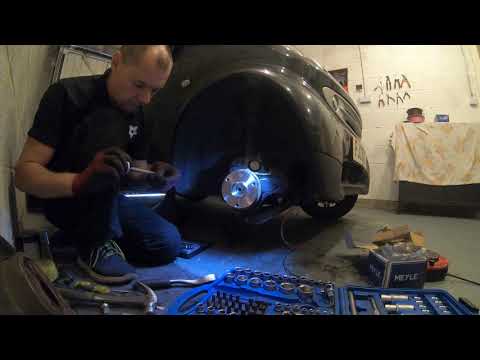
Smart
(1998-2007 /
450)
Discover in this brief guide how to remove and replace the front wheel bearing on the Smart Fortwo by following the instructions below. First, lift t…

Smart
(1998-2007 /
450)
This step-by-step guide will show you how to remove and replace the front wheel bearing on a Smart Fortwo. First, lift the vehicle and start by remov…
Smart
(1998-2007 /
450)
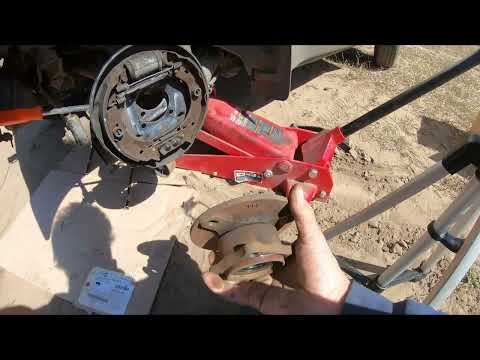
To replace the rear wheel bearing on the Smart Fortwo, lift the car using a jack and then loosen the bolts that secure the rear wheel to its housing.…
Other guides you may be interested in
|
How to Reset the Tyre Pressure Warning Light on the Jeep Renegade?
To reset the tyre pressure warning light on the Jeep Renegade, inflate the tyres until they reach the recommended pressure: this value is indicated on the sticker attached to the driver’s door pillar. Once the tyres are properly inflated, navigate through the menu that appears on the instrument cluster until you find the tyre pressure option. At this point, press and hold the OK button on the right side of the steering wheel to make the warning light disappear. by ScegliAuto More videos
|
|
For advertising on this site Write to info@scegliauto.com
ScegliAuto is not responsible for any inaccuracy of the data in the lists. To report any inaccuracy or your business (if you own the business in question), please write to info@scegliauto.com
Number of seconds to generate the page: 0.039
(c) ScegliAuto 2026 - info@scegliauto.com - Privacy policy VAT number: IT01247470535 |
