
|
Do it yourself
| |||
| ||||


Change the air conditioning filter of the Smart Fortwo
Model: Smart Smart
451
- Years 2007-2015
Do we want to remove the cabin air filter of a Smart Fortwo? Let's see how the filter is removed from inside the passenger compartment. We remove the covering placed in the lower part of the floor (driver's side). Remove the cap located on the right side of the central tunnel from the filter holder (push the plastic clips), then extract the cabin filter to be replaced. We insert a new pollen filter making it adhere well around the walls of the box. We mount the filter box cap (we cover everything with the floor covering cloth). We fix the floor covering after replacing the air filter.
Posted on 25 June 2021 by ScegliAuto
Video tutorial
Related tutorials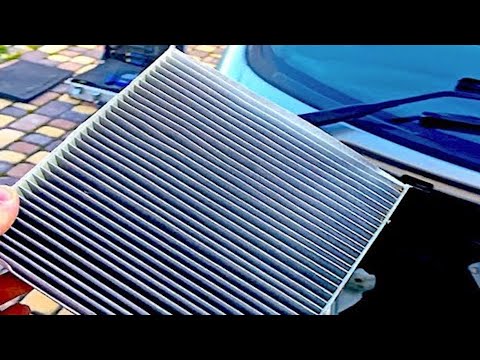
Smart
(1998-2007 /
450)
How to replace the air conditioning pollen filter on a Smart Fortwo? Let's see in this video how to do the disassembly. We remove with a lever, the p…
Smart
(1998-2007 /
450)
Let's see how to change the engine oil filter on Smart Fortwo. We lift our car with a column bridge or jack and go to open the engine compartment loc…
Smart
(2007-2015 /
451)
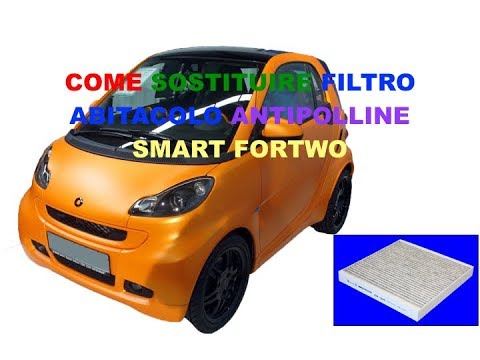
The replacement of the cabin filter of the Smart Fortwo 451 takes about 20 minutes of work. The filter is located inside the passenger compartment, n…
Other guides you may be interested in
|
How to Remove the Original Radio from a Renault Trafic
How to remove the original radio from a Renault Trafic? Follow this video closely to perform the removal: use the original or aftermarket metal keys to detach the stereo, insert the keys into the holes on the plastic cover of the stereo, pull the stereo towards you as shown in the video, and extract the radio while being careful of the various wiring (disconnect the power connectors and the antenna cable). Finally, reinstall the original radio or a generic brand with the appropriate adapter for the input and connector. by ScegliAuto More videos
|

|
For advertising on this site Write to info@scegliauto.com
ScegliAuto is not responsible for any inaccuracy of the data in the lists. To report any inaccuracy or your business (if you own the business in question), please write to info@scegliauto.com
Number of seconds to generate the page: 0.112
(c) ScegliAuto 2026 - info@scegliauto.com - Privacy policy VAT number: IT01247470535 |
