
|
Do it yourself
| |||
| ||||


Repairing a Hood on a Smart 450
Model: Smart Smart
450
- Years 1998-2007
If your Smart hood (we're talking about a Smart 450) does not move anymore when pressing the dedicated button in the cabin, there could be several causes, but the most likely is the disconnection of the cable on the side. The cable is clearly shown in the video, and to access it, you will need to manually move the hood until you reveal not only the aforementioned cable but also the plastic clip into which it must be inserted. To do this, use a screwdriver and ensure that the cable remains securely in place. Close the hood manually and try to operate it with the button.
Updated on 20 April 2026 by ScegliAuto
Video tutorial
Related tutorials
Smart
(1998-2007 /
450)
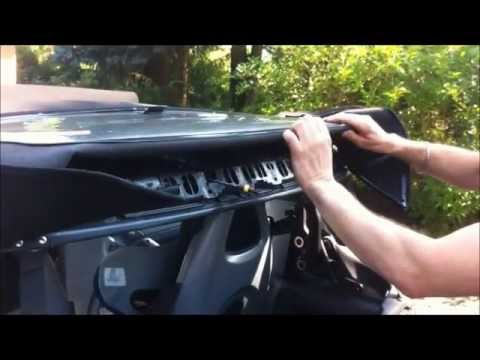
In order to replace the hood of the Smart 450, you will need to open it completely so that the entire canvas lining of the hood is completely lowered…
Smart
(1998-2007 /
450)
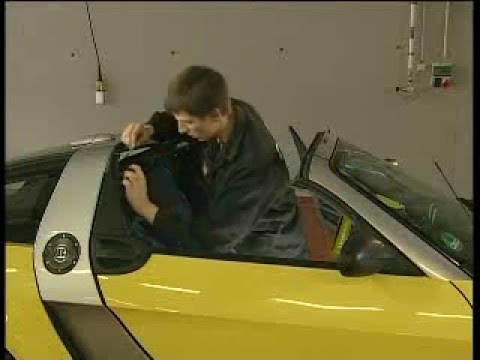
All the steps required to dismantle the hood on the cabrio version of the Smart and to remove the rear spoiler with the incorporated third brake ligh…
Smart
(2003-2005 /
Roadster, 452)
To repair the roof on the Smart Roadster, press the appropriate button located inside the cabin to fully open the roof. Once it is completely lowered…
Other guides you may be interested in |
How to reset the tyre pressure warning light on the Suzuki Jimny?
To reset the tyre pressure warning light on the Suzuki Jimny, first inflate the tyres to the pressure value indicated on the corresponding sticker: this is located at the bottom of the driver's door pillar. Once the tyres are inflated, insert the ignition key and turn on the instrument panel: select the screen that indicates the tyre pressures, checking that the values change. After a few seconds, the tyre pressure warning light will automatically turn off. by ScegliAuto More videos
|
|
For advertising on this site Write to info@scegliauto.com
ScegliAuto is not responsible for any inaccuracy of the data in the lists. To report any inaccuracy or your business (if you own the business in question), please write to info@scegliauto.com
Number of seconds to generate the page: 0.059
(c) ScegliAuto 2026 - info@scegliauto.com - Privacy policy VAT number: IT01247470535 |
