
|
Do it yourself
| |||
| ||||


How to replace the speakers of the Smart 451
Model: Smart Smart
451
- Years 2007-2015
In this video we can see how it is possible to replace an original speaker from the Smart 451 of the 2008 model. It can be done in two ways, ie it can be accessed from the external panel, whose access remains difficult; or it is possible to intervene directly from the cash desk. First you have to break the whole case (see video) then break the outside and break the inside of the speaker. Then break the plastic rods with a screwdriver, continue breaking all the supports. Also break the buttonholes with pliers and a hacksaw. Mount the Fast on the pins. Fit the new crate with the respective bezel.
Posted on 9 November 2021 by ScegliAuto
Video tutorial
Related tutorials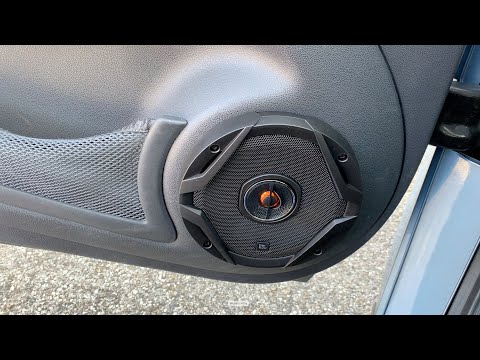
Smart
(2007-2015 /
451)
In order to replace the speakers of the Smart 451, you need to pry an object, such as a screwdriver, to remove the external casing cover, wedged in t…

Smart
(2007-2015 /
451)
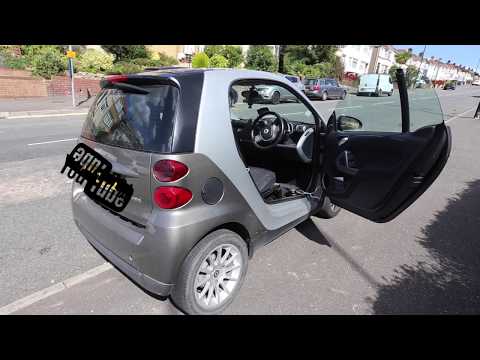
Replacing the speaker boxes in your Smart model 451 vehicle is a fairly simple operation to follow on your own. To replace the speaker box, we need t…
Smart
(2007-2015 /
451)
In order to replace the speaker of the Smart 451, you need to loosen the screws that are located around the circular plastic cover that surrounds the…
Other guides you may be interested in
|
How to Replace the Timing Belt on a Volkswagen Golf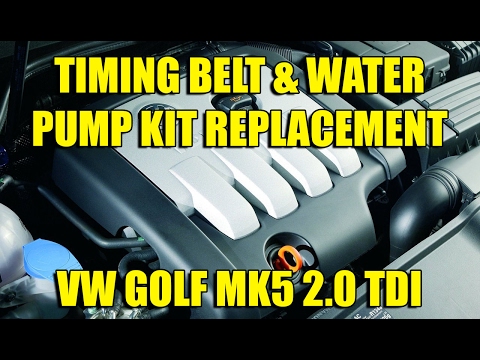
To perform this simple operation, first lift the bonnet. Then, remove the upper engine cover and the plastic side cover that protects the timing belt. To create more space for the job, you can remove components next to the engine, such as the coolant reservoir, the windscreen washer pipe, and the fuel filter. This will allow you to remove the lower engine cover and the right wheel for better access to the area where you will be working. Now, relieve the tension from the tensioner pulley and remove the belt for replacement. by ScegliAuto More videos
|

|
For advertising on this site Write to info@scegliauto.com
ScegliAuto is not responsible for any inaccuracy of the data in the lists. To report any inaccuracy or your business (if you own the business in question), please write to info@scegliauto.com
Number of seconds to generate the page: 0.057
(c) ScegliAuto 2026 - info@scegliauto.com - Privacy policy VAT number: IT01247470535 |
