
|
Do it yourself
| |||
| ||||


How to set the time of the Smart 451
Model: Smart Smart
453
- Years 2014-2022
The guide shows how to set the time on the Smart ForTwo (451) from 2014 to 2021. The procedure is very simple and does not require any special tools. Once the instrument panel is turned on, just press the time dial on the radio display. The clock screen will open; pressing the? +? button at the bottom right will open the time setting menu. By pressing on the arrows you can reset the desired time. By pressing the? Done? the settings will be made permanent. Go back with the arrow at the bottom left of the display. The operation is now complete.
Posted on 25 January 2022 by ScegliAuto
Video tutorial
Related tutorials
Smart
(2007-2015 /
451)
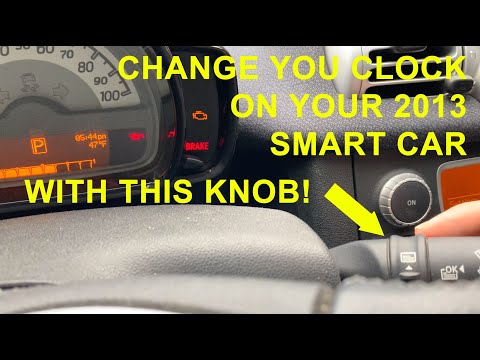
Let's see in this video the instructions to be able to set the clock in a Smart Fortwo 451, following these simple instructions. First we get inside …
Smart
(2007-2015 /
451)
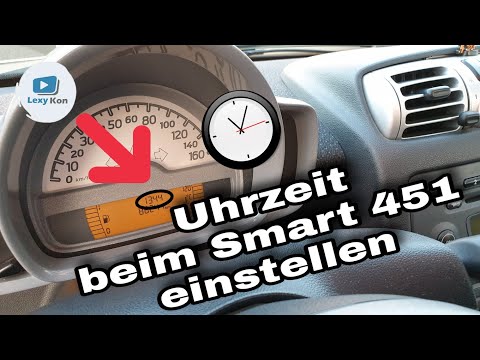
In this tutorial we can see how to set the time in the Smart ForTwo 451, a very simple and fast operation, to be carried out after being left with th…
Smart
(2007-2015 /
451)
Through the instructions given by the author of this interesting video, we can learn how to adjust the clock on the Smart 451. Let's start by turning…
Other guides you may be interested in
|
Replacing H7 Bulb in an Opel Meriva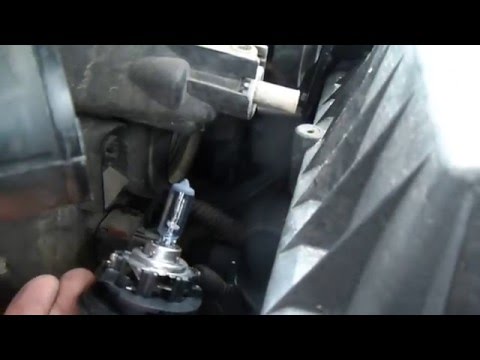
Are the front headlight bulbs of your Opel Meriva out? Let's see how to proceed with the removal in this tutorial video. Open the bonnet and secure it, then remove the inspection caps from the headlights (at the back of the headlights) using a screwdriver or pliers. Disconnect the bulb holders from the headlight and disconnect the relevant power connectors. Replace the damaged bulbs with new ones (same size and voltage). After replacing the bulbs, refit the bulb holder into the headlight housing. Finally, close the back of the headlights with the inspection caps. Test the correct functioning of the lights by turning on the ignition. by ScegliAuto More videos
|

|
For advertising on this site Write to info@scegliauto.com
ScegliAuto is not responsible for any inaccuracy of the data in the lists. To report any inaccuracy or your business (if you own the business in question), please write to info@scegliauto.com
Number of seconds to generate the page: 0.076
(c) ScegliAuto 2026 - info@scegliauto.com - Privacy policy VAT number: IT01247470535 |
