
|
Do it yourself
| |||
| ||||


How to use the Smart Key of a Toyota?
Model: Smart Smart Various
Video tutorial
In this video tutorial, we can see how to use the Toyota Smart Key and the functions of the various buttons. On the front, there are 4 buttons; starting from the top, the first locks the door, the second unlocks it, the third opens the boot, and the fourth, when pressed for 3 seconds, allows the car to emit a sound signal useful for locating it. The Smart Key also allows you to perform various functions simply by keeping it in your pocket, without using the buttons. As we can see, for example, with the key in hand or in your pocket, you can unlock the door by placing two fingers on the designated section of the handle.
Updated on 25 May 2026 by ScegliAuto
Related tutorials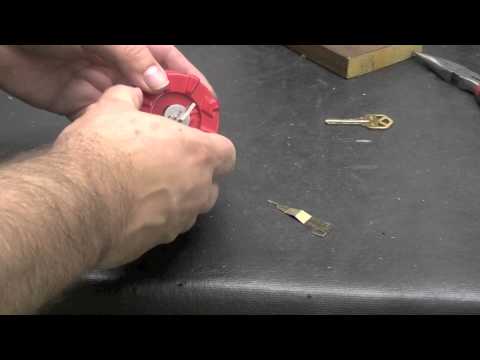
Smart Smart Various
In this video, see how to reset a smart key lock: you will need a specific device, as shown in the video. You can find it on the ubuy.co.uk website w…
Smart Smart Various
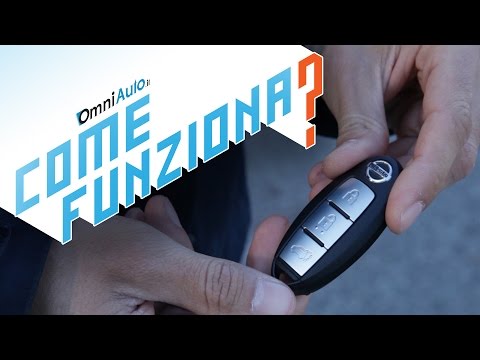
The Smart Key, despite some people still viewing it with a degree of suspicion, has become commonplace and is extremely useful, especially for city c…

Smart Smart Various
After changing the engine oil and filter of the Smart car, we reset the module that reminds us to make this replacement, with a reminder on the instr…
Other guides you may be interested in
|
How to Activate the Automatic Folding and Unfolding of the Wing Mirrors on the Jeep Compass
Follow these brief instructions to activate the automatic folding and unfolding of the external wing mirrors on the Jeep Compass. First, get inside the vehicle and turn on the ignition; then press the button located beneath the mirror glass adjustment to electrically open the mirror, as shown in the video. Pressing the button in the opposite direction will close the mirrors; by holding the button, the mirrors will open and close automatically! by ScegliAuto More videos
|
|
For advertising on this site Write to info@scegliauto.com
ScegliAuto is not responsible for any inaccuracy of the data in the lists. To report any inaccuracy or your business (if you own the business in question), please write to info@scegliauto.com
Number of seconds to generate the page: 0.202
(c) ScegliAuto 2026 - info@scegliauto.com - Privacy policy VAT number: IT01247470535 |
