
|
Do it yourself
| |||
| ||||


How to Replace the Remote Battery of the Smart ForTwo?
Model: Smart Smart
Roadster, 452
- Years:
2003, 2004, 2005
Video tutorial
In this video, you can see how to replace the remote battery of the Smart ForTwo. For this simple operation, you only need a small flat-head screwdriver and a replacement CR1620 3V battery. To open the remote, insert the screwdriver tip into the indicated slot, located just above the ring, and lever it open. Once fully opened, remove the internal circuit and, using the screwdriver, extract the old battery. Finally, insert the replacement, ensuring the correct orientation, and reposition the rear cover.
Updated on 10 June 2026 by ScegliAuto
Related tutorials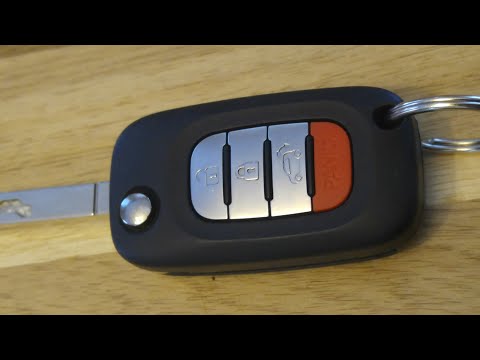
Smart
(2014-2022 /
453)
In this short video, you will learn how to replace the battery in the remote control of the New Smart ForTwo 453. The procedure is very simple; prepa…
Smart
(2007-2015 /
451)
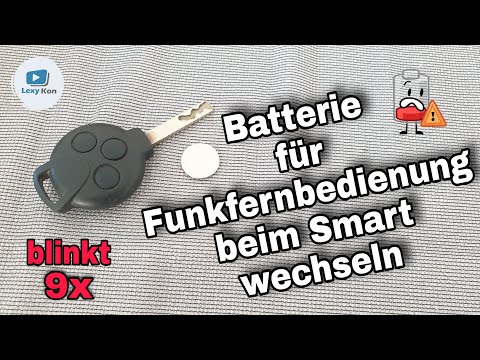
In today's video, you will see a very simple maintenance operation, namely how to replace the battery of the second series Smart Fortwo remote. First…
Smart
(2007-2015 /
451)
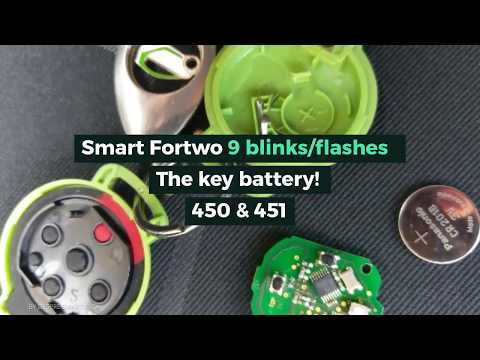
Today, in this short and simple guide, see how to disassemble and replace the battery of the remote key for the Smart Fortwo. First, take the remote …
Other guides you may be interested in |
Frequently Asked QuestionsHow to Open the Fuel Filler Flap in the Hyundai i30?
In this tutorial, you will learn how to open the fuel filler flap in the Hyundai i30, a very simple operation that follows the typical procedure of most vehicles. First, unlock the locks using the designated button on the remote, then open the driver's door, locate the release lever on the left side of the seat, and operate it. Next, move to the fuel filler flap, open it completely, unscrew the cap, and refuel as needed. To close the flap, simply press it gently. by ScegliAuto More videos
|
|
For advertising on this site Write to info@scegliauto.com
ScegliAuto is not responsible for any inaccuracy of the data in the lists. To report any inaccuracy or your business (if you own the business in question), please write to info@scegliauto.com
Number of seconds to generate the page: 0.049
(c) ScegliAuto 2026 - info@scegliauto.com - Privacy policy VAT number: IT01247470535 |
