
|
Do it yourself
| |||
| ||||


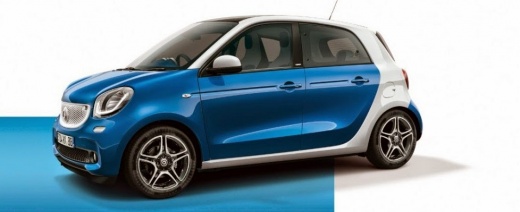
How to adjust and set the Smart Forfour time
Model: Smart Forfour
W453, MK 2
- Years 2014-2021
Let's see in this short and simple guide how to adjust the clock of the Smart Forfour, but also of the Fortwo. First of all we get on board the car and start turning on the radio; so let's press the settings button (setup) and scroll with the knob until we get to the clock settings item, as shown in the video. At this point, press the ok key and adjust the time correctly; we just have to exit the settings menu and check that the time has been stored correctly!
Posted on 26 September 2022 by ScegliAuto
Video tutorial
Related tutorials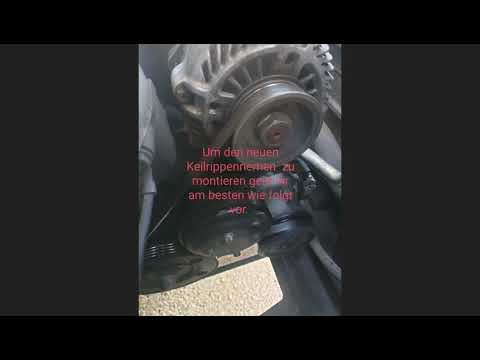
Smart Forfour
(2004-2006 /
MK 1, W454)
In order to replace the serpentine belt of the Smart Forfour, you need to loosen the screws that secure the front wheel to its housing, and then remo…

Smart Forfour
(2014-2021 /
W453, MK 2)
The need to reset the partial odometer of our car, in this case the Smart Forfour, may arise because we want to check the fuel consumption of a speci…

Smart Forfour
(2014-2021 /
W453, MK 2)
In this tutorial we can see how to reset the service in the Smart ForFour, an extremely simple and quick operation, to be carried out only once all s…
Other guides you may be interested in
|
How to Remove the Handbrake Button on a VW Passat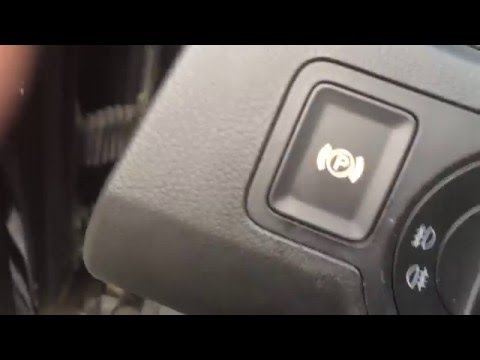
Have you encountered problems with the electric handbrake button on your Passat? Here’s how to proceed with the disassembly and reassembly of the part. Open the inspection compartment at the bottom left of the dashboard. Reach in and locate the handbrake button (from the inside of the dashboard). Press the button until it comes out of its housing, then disconnect the button from the power cable. Install the new handbrake button: first connect the plug to the button, then insert it into the dashboard housing. Finally, test the correct operation of the brake. by ScegliAuto More videos
|
|
For advertising on this site Write to info@scegliauto.com
ScegliAuto is not responsible for any inaccuracy of the data in the lists. To report any inaccuracy or your business (if you own the business in question), please write to info@scegliauto.com
Number of seconds to generate the page: 0.128
(c) ScegliAuto 2026 - info@scegliauto.com - Privacy policy VAT number: IT01247470535 |
