
|
Do it yourself
| |||
| ||||


How to reset the oil warning light on the Smart Fortwo
Model: Smart Smart
451
- Years 2007-2015
How to reset the oil warning light on the Smart 451? As the youtuber shows us, first you have to really change it, both the oil and the filter. Then we can think about resetting the spy. Insert the key in the ignition and keep it in the off position, without turning on the square or the engine. The engine. We press and hold the two buttons on the left side of the dial while we turn on the panel by turning the key to the "on" position. We hold it down for about 10 seconds, until the dashboard resets to "000 kilometers", thus resetting the interval for the next service to zero and making the service light go out.
Posted on 15 October 2022 by ScegliAuto
This video is currently unavailable
Related tutorials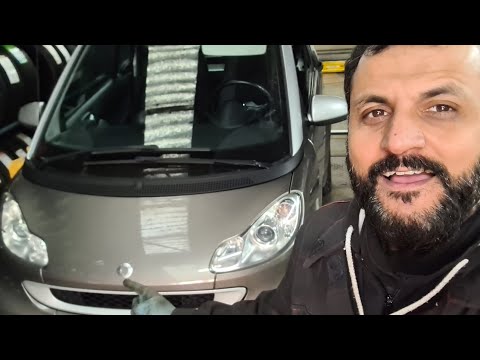
Smart
(2007-2015 /
451)
If you have just changed the engine oil and its filter on your 2009 Smart Fortwo then you must necessarily reset the warning light manually so as to …
Smart
(2007-2015 /
451)
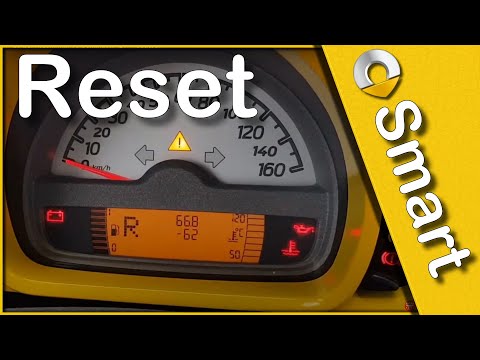
Let's find out in this short and simple guide how to reset the oil change maintenance service light of the Smart Fortwo, thus resetting the warning l…

Smart
(2014-2022 /
453)
In this tutorial, we will see how to reset the tire warning light in the Smart ForTwo, an extremely simple and quick operation that should be done on…
Other guides you may be interested in
|
How to Remove the Heating Radiator on a Fiat Panda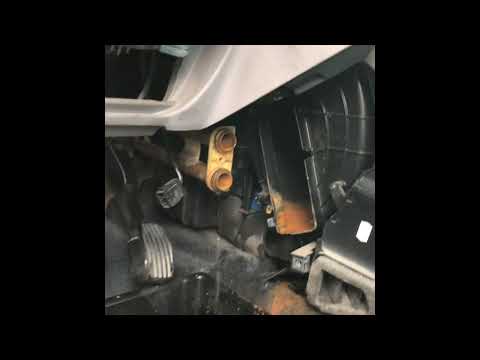
Watch this video to learn how to remove the heating radiator from a Fiat Panda. First, remove the plastic cover from the centre tunnel (located under the centre tunnel) and the cover around the gearbox. Unscrew the securing screws with a screwdriver as shown in the video and remove the black plastic cover that conceals the heating radiator. Once all the steps are completed, move to the engine bay: remove the plastic engine cover and disconnect the two hoses (unscrew the securing clips) of the radiator that extends into the cabin. Install the new part. Reverse all the assembly steps. by ScegliAuto More videos
|

|
For advertising on this site Write to info@scegliauto.com
ScegliAuto is not responsible for any inaccuracy of the data in the lists. To report any inaccuracy or your business (if you own the business in question), please write to info@scegliauto.com
Number of seconds to generate the page: 0.102
(c) ScegliAuto 2026 - info@scegliauto.com - Privacy policy VAT number: IT01247470535 |
