
|
Do it yourself
| |||
| ||||


How to replace the pads in the Smart 451
Model: Smart Smart
451
- Years 2007-2015
In today's video we see how to replace the brake pads in the second series Smart. First, we recommend lifting the car on the lift or on the jack; before that we loosen the bolts of the tire where we will operate. Once this is done we can lift the car and proceed with the complete extraction of the tyre. We then intervene on the pads, proceeding to remove the worn components, then replace them with new units. Once this is done and verified that everything is ok, we finish our current work, remounting the tires and screwing the sealing bolts back on.
Posted on 27 November 2022 by ScegliAuto
Video tutorial
Related tutorials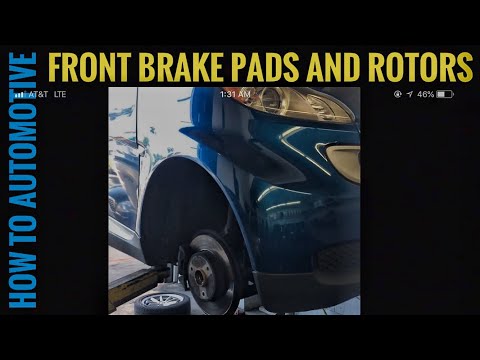
Smart
(2007-2015 /
451)
Worn brake pads? Here’s how to remove them on a Smart Fortwo. Lift the car on a column jack to the desired height: remove the wheel with the respecti…
Smart
(2007-2015 /
451)
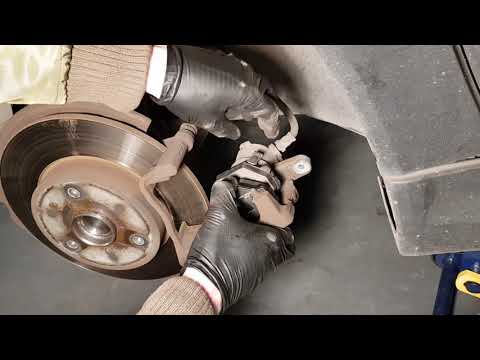
Replacing damaged brake pads on a Smart Fortwo? Here’s how to remove them. Lift the car on a column lift to the desired height, then remove the wheel…

Smart
(2007-2015 /
451)
In order to replace the rear brake shoes of the Smart car, you need to loosen the screws that secure the rear wheels after lifting the car with a jac…
Other guides you may be interested in
|
How to remove the original radio from a Peugeot 308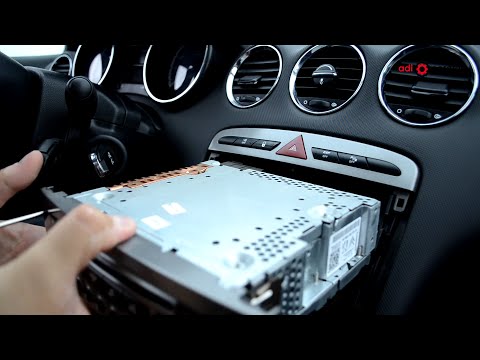
How to remove the original radio from a Peugeot 308? Follow these steps for disassembly: use the original or aftermarket metal keys to remove the stereo from the car. Insert the keys into the holes on the plastic cover of the stereo, pull the stereo towards you as shown in the video, and extract the radio while being careful of the various wiring (disconnect the power connectors and the antenna cable). Finally, reinstall the original radio or a generic brand one using the appropriate adapter (for the input and connector terminals). by ScegliAuto More videos
|

|
For advertising on this site Write to info@scegliauto.com
ScegliAuto is not responsible for any inaccuracy of the data in the lists. To report any inaccuracy or your business (if you own the business in question), please write to info@scegliauto.com
Number of seconds to generate the page: 0.060
(c) ScegliAuto 2026 - info@scegliauto.com - Privacy policy VAT number: IT01247470535 |
