
|
Do it yourself
| |||
| ||||


Engine Oil and Filter Replacement
Model: Smart Smart
450
- Years:
1998, 1999, 2000, 2001, 2002, 2003, 2004, 2005, 2006, 2007
Video tutorial
Replacing the engine oil and the corresponding filter is a very simple maintenance task that does not require special recommendations other than properly disposing of the used oil. Access the rear of the vehicle where the engine is located and position a container under the oil sump (the filter is located directly above the sump). Unscrew the drain plug (the plug includes a filter) located on the side of the sump to drain the used oil and the filter. Clean the filter present in the plug and screw it back in, then also screw in the new filter after coating the gasket with clean oil. Finally, fill the engine with new oil until it reaches the maximum level.
Updated on 19 February 2026 by ScegliAuto
Related tutorials
Smart
(2007-2015 /
451)
Changing the oil and filter on a Smart 1000 engine is particularly simple; you don't even need to lift the car on a ramp. Prepare a container for col…

Smart
(2007-2015 /
451)
Whenever you change the engine oil and filter on your vehicle, you must then proceed to reset the service light that is illuminated on the instrument…

Smart
(1998-2007 /
450)
The vehicle must be safely raised on a flat surface, as it is not possible to operate otherwise (using a ramp or workshop stands). Position a contain…
Other guides you may be interested in
|
Frequently Asked QuestionsHow to Set the Time on a Mercedes Vito Van?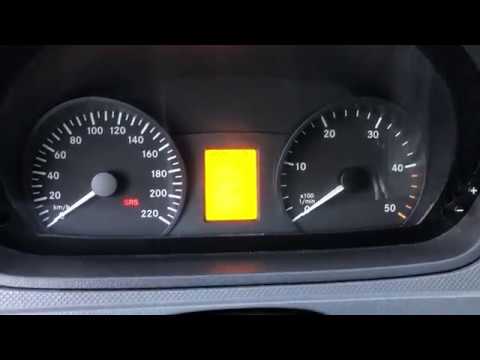
In this tutorial, you can see how to set the time on a Mercedes Vito van, an extremely simple and quick operation, for example, after replacing the battery or after switching to daylight saving time. First, insert the key and turn on the instrument cluster, then repeatedly press the "M" button located to the left of the dashboard until you reach the screen displaying the time in flashing mode. At this point, adjust the hour using the "+" and "-" buttons located on the opposite side, switch to minutes using the "O" button, and finally save the setting. by ScegliAuto More videos
|
|
For advertising on this site Write to info@scegliauto.com
ScegliAuto is not responsible for any inaccuracy of the data in the lists. To report any inaccuracy or your business (if you own the business in question), please write to info@scegliauto.com
Number of seconds to generate the page: 0.071
(c) ScegliAuto 2026 - info@scegliauto.com - Privacy policy VAT number: IT01247470535 |
