
|
Do it yourself
| |||
| ||||


How to Start the First Generation Smart Fortwo
Model: Smart Smart
450
- Years 1998-2007
To start the first and second generation Smart Fortwo, point the key at the sensor near the rear-view mirror and press the button with the open padlock symbol. Insert the key into the ignition lock and put it in neutral, then turn it to the right while simultaneously pressing the brake (which will act as the clutch). There are 3 buttons: unlock (open), lock (close), and bonnet release. The gear knob: N=neutral, R=reverse, +/- are for upshifting or downshifting. This refers to the 2005 model with semi-automatic transmission. For starting, there is no change, but in this model, you must shift gears even without a clutch. The brake is on the left and the accelerator is on the right.
Updated on 7 August 2026 by ScegliAuto
Video tutorial
Related tutorials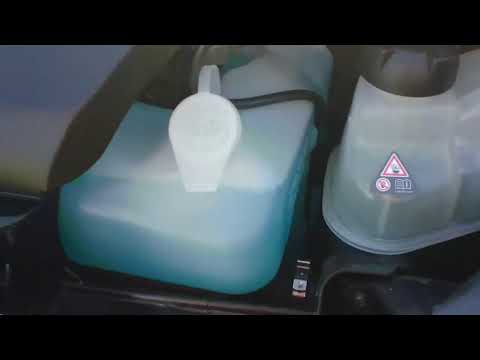
Smart
(2007-2015 /
451)
Before you begin, exit the cabin of your Smart ForTwo and head to the front of the car. Start by releasing the catches located inside the front grill…
Smart
(2004-2006 /
454, Fourfour1)
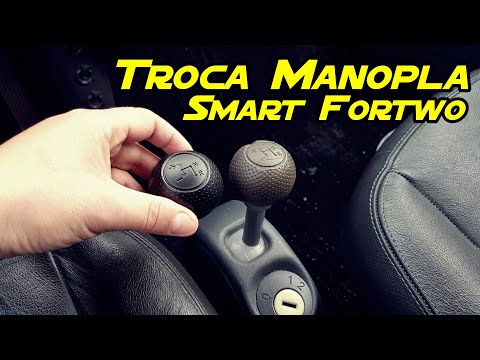
Before you begin, sit in the driver's seat of your Smart ForTwo. To carry out this removal safely, it is strongly recommended to switch off the engin…

Smart
(2007-2015 /
451)
If the Smart Fortwo won't start, the most common problem is related to the crankshaft position sensor. This happens because the sensor mounted on the…
Other guides you may be interested in
|
Frequently Asked QuestionsHow to Reset the Central Locking of the Volkswagen Golf 4?
If the central locking system of the Volkswagen Golf 4 is not working, it is likely necessary to reset the system: to do this, open the driver's door and detach the side panel of the dashboard next to the steering wheel. Under this panel, you will find the fuses, including the one for the central locking, which is indicated in the manual as number 14. To reset the system, remove this fuse from its housing, then reinsert it or replace it with a new one of the same amperage: this will reset the central locking system. by ScegliAuto More videos
|
|
For advertising on this site Write to info@scegliauto.com
ScegliAuto is not responsible for any inaccuracy of the data in the lists. To report any inaccuracy or your business (if you own the business in question), please write to info@scegliauto.com
Number of seconds to generate the page: 0.238
(c) ScegliAuto 2026 - info@scegliauto.com - Privacy policy VAT number: IT01247470535 |
