
|
Do it yourself
| |||
| ||||


How to Change the Right Stop Bulb on the Smart Cabriolet
Model: Smart Smart
451
- Years 2007-2015
Replacing the rear light bulb on the Smart Cabrio 451 is very straightforward, especially since you do not need to remove the light. Simply open the rear bonnet and access the light from inside by removing the cover that acts as a cap, allowing you to unclip and extract the bulb holder. At this point, you can proceed to replace the bulb, which is a standard incandescent bulb fitted into the holder with a bayonet fitting (press and twist to remove and then insert). You might also consider installing LED bulbs.
Updated on 24 February 2026 by ScegliAuto
Video tutorial
Related tutorials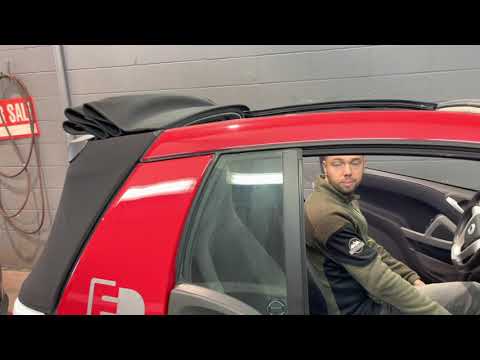
Smart
(2007-2015 /
451)
Let's briefly go over the instructions that will allow us to open and close the electric convertible top of the Smart Fortwo, in simple and quick ste…
Smart
(2007-2015 /
451)
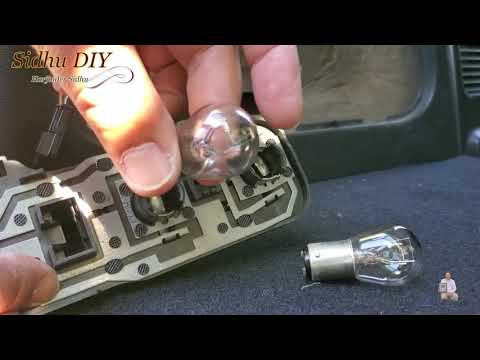
Before starting, we will have to open the tailgate of our Smart. Let's start by disengaging and removing the internal side cover of the luggage compa…
Smart
(1998-2007 /
450)
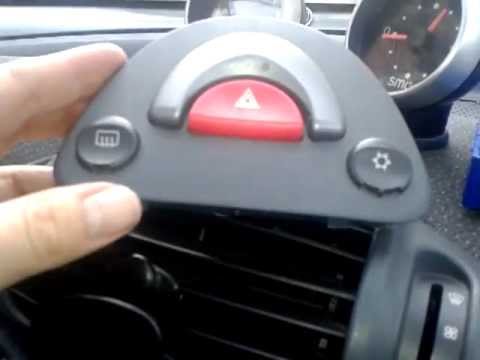
The climate control console is illuminated by a single bulb and uses a light channeling system made of a sort of plexiglass tunnel: this bulb is loca…
Other guides you may be interested in
|
How to Remove the Front Door Panel on a Volkswagen Polo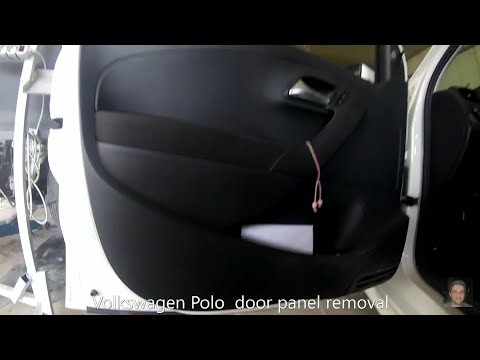
How to remove the driver’s side door panel on a Volkswagen Polo? This video explains the procedure. Before starting the disassembly, disconnect the battery terminals located in the engine bay. Use a lever to pry off the handle cover (remove the piece), then, with a screwdriver, unscrew the fastening screws in the handle inside the door panel. Unscrew the screws located in the plastic of the door opening lever. Use the lever to detach the retaining clips around the perimeter of the door panel. Finally, grasp the panel with your hands and lever it off the door. Disconnect the cable from the door opening lever and the power connectors for the window switch. by ScegliAuto More videos
|

|
For advertising on this site Write to info@scegliauto.com
ScegliAuto is not responsible for any inaccuracy of the data in the lists. To report any inaccuracy or your business (if you own the business in question), please write to info@scegliauto.com
Number of seconds to generate the page: 0.056
(c) ScegliAuto 2026 - info@scegliauto.com - Privacy policy VAT number: IT01247470535 |
