
|
Do it yourself
| |||
| ||||


|
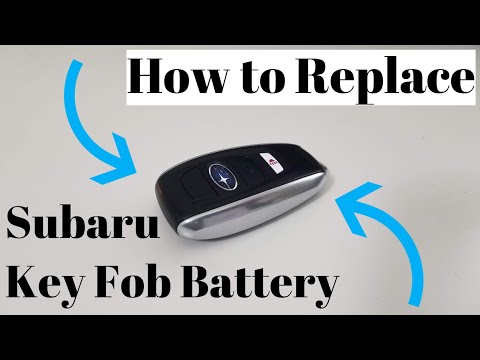
The battery replacement for the key/remote of a Subaru vehicle is the same for all vehicles of the same manufacturer. Today, specifically, we will see the replacement of a remote control battery for a Subaru XV. Let's begin the replacement by extracting the emergency key from the remote control. To do this, simply press the button located on the back of the remote control. Once the metal key has been removed, insert it into the right side of the interior of the remote control to open the remote control itself. Once opened, remove the battery and insert a 3V CW2032 battery, then proceed to close the remote control.
Posted on 18 September 2023 by ScegliAuto
Video tutorial
Related tutorials
Subaru Xv
(2012-2017 /
MK 1)
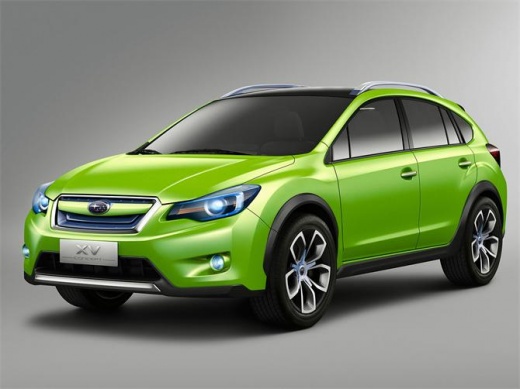
Let's discover the main instructions on how to disassemble and replace the battery of the Subaru XV key remote. First, we take our remote and start b…
Subaru Xv
(2012-2017 /
MK 1)
Replacing the remote control battery of the Subaru XV Crosstrek is a very simple and fast operation, let's see how to proceed in this tutorial. To do…

Subaru Xv
(2012-2017 /
MK 1)
In order to replace the battery of the Subaru XV, you need to open the hood so that you have access to the components located inside the engine compa…
Other guides you may be interested in
|
Replacing the Air Conditioning Fuse on Citroen C3
To replace the air conditioning fuse on the C3, locate the fuse position. Use a plastic lever to remove the cover located in the dashboard under the steering wheel (left side), then use pliers to pull out the damaged fuses in the compartment. Once this is done, insert the new fuses into the appropriate slots in the compartment. Finally, close the fuse inspection box with the cover and test for proper operation. You can also find fuses inside the glove compartment on the right side of the dashboard (remove the drawer if necessary). by ScegliAuto More videos
|
|
For advertising on this site Write to info@scegliauto.com
ScegliAuto is not responsible for any inaccuracy of the data in the lists. To report any inaccuracy or your business (if you own the business in question), please write to info@scegliauto.com
Number of seconds to generate the page: 0.131
(c) ScegliAuto 2026 - info@scegliauto.com - Privacy policy VAT number: IT01247470535 |
