
|
Do it yourself
| |||
| ||||


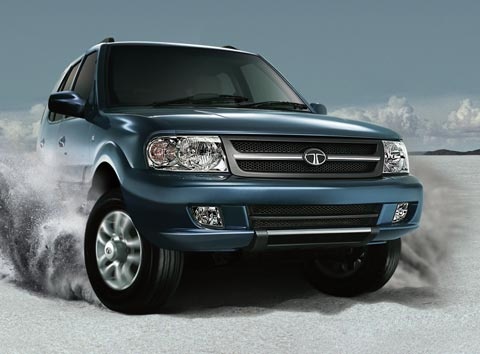
How to Reset the AdBlue Warning Light on the Tata Safari?
Model: Tata Safari
MK 1
- Years:
1998, 1999, 2000, 2001, 2002, 2003, 2004, 2005, 2006, 2007, 2008, 2009
Video tutorial
If the AdBlue warning light on the dashboard of your Tata Safari has illuminated, it means that the fluid in the emissions system has reached the minimum level and needs to be topped up. This is an extremely simple and quick operation; let’s see how to proceed in this tutorial. First, purchase a 10-litre canister of urea from a car parts store, then switch off the engine and open the boot. Next, remove the floor panel, unscrew the indicated cap, and using the supplied hose, add the necessary amount of fluid to reach the maximum level.
Updated on 23 October 2026 by ScegliAuto
Related tutorials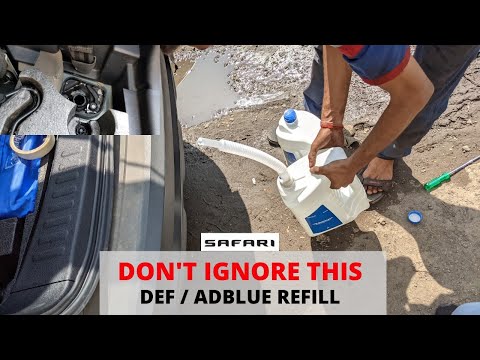
Tata Safari
(1998-2019 /
MK 1)
To reset the AdBlue light on a Tata Safari, you need to add the additive liquid into the tank, which is located at the bottom of the car. You can loc…

Tata Safari
(2021-2026 /
MK 2)
If the AdBlue light in the instrument panel of our Tata Safari has turned on, it means that the liquid of the anti-pollution system has reached the m…

Tata Safari
(1998-2019 /
MK 1)
If the AdBlue warning light comes on in the instrument panel of our Tata Safari, it means that the pollution control system liquid has reached the mi…
Other guides you may be interested in
|
How to Open the Fuel Filler Flap in the Hyundai i30?
In this tutorial, you will learn how to open the fuel filler flap in the Hyundai i30, a very simple operation that follows the typical procedure of most vehicles. First, unlock the locks using the designated button on the remote, then open the driver's door, locate the release lever on the left side of the seat, and operate it. Next, move to the fuel filler flap, open it completely, unscrew the cap, and refuel as needed. To close the flap, simply press it gently. by ScegliAuto More videos
|
|
For advertising on this site Write to info@scegliauto.com
ScegliAuto is not responsible for any inaccuracy of the data in the lists. To report any inaccuracy or your business (if you own the business in question), please write to info@scegliauto.com
Number of seconds to generate the page: 0.035
(c) ScegliAuto 2026 - info@scegliauto.com - Privacy policy VAT number: IT01247470535 |
