
|
Do it yourself
| |||
| ||||


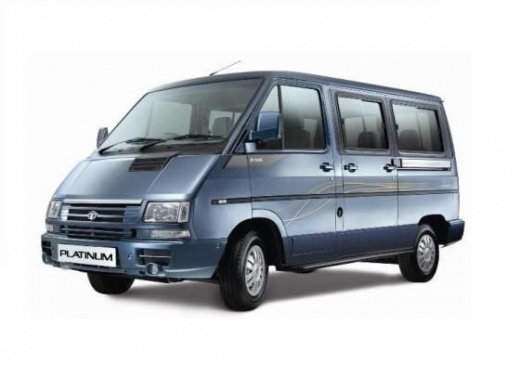
How to renew the headlights of the Tata Winger?
Model: Tata Winger
MK 1
- Years 2007-2019
In this video we can see how the headlights of the Tata Winger are renewed but we must keep in mind that the time required to carry out this operation is much longer than what it might seem looking at it. The first step is to pass the sandpaper all over the lighthouse, after having thoroughly wet it, moving it in different directions so that the result is uniform. After this first phase, we must rinse the headlight from residues and, with the help of a polisher, evenly distribute the special polishing product over the entire surface of the headlight. Finally, let it dry for about 24 hours away from direct sunlight.
Posted on 9 August 2022 by ScegliAuto
Video tutorial
Related tutorials
Tata Winger
(2007-2019 /
MK 1)
In order to replace the rear brake shoes of the Tata Winger you have to lift the rear part of the vehicle, so that it is not in contact with the floo…
Tata Winger
(2007-2019 /
MK 1)
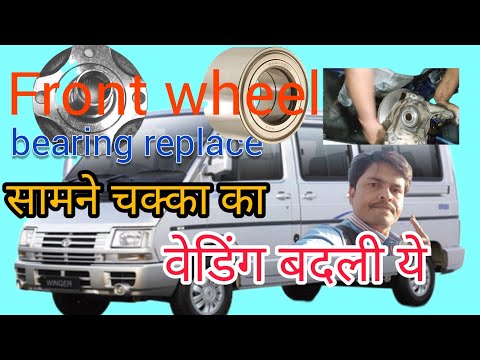
In order to replace the front wheel bearing of the Tata Winger, you need to lift the vehicle with a jack so that the corresponding wheel is not in co…

Tata Winger
(2007-2019 /
MK 1)
In this tutorial we can see how to replace the diesel filter in the Tata Winger van, an extremely simple and fast operation. First of all, let's make…
Other guides you may be interested in
|
How to Remove the Armrest on the Centre Tunnel of a Volkswagen Golf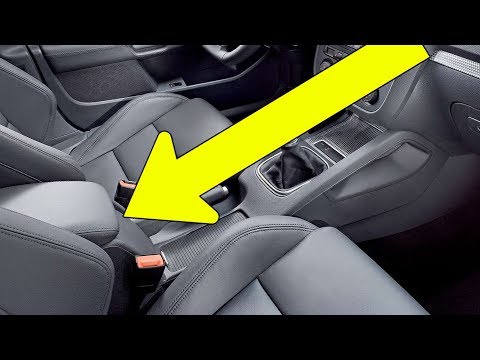
Let’s see how to remove the armrest on the centre tunnel of a Volkswagen Golf. Unscrew the securing screws (located inside the cup holder) with a screwdriver; use a plastic lever to pry off the cover at the rear of the centre tunnel (air vents). After removing the plastic cover, unscrew the securing bolts in the centre armrest using a socket wrench. Once this is done, pull off the tunnel and disconnect any power cables. Finally, insert the new part into the centre tunnel, and reassemble all components of the glove compartment as previously disassembled. by ScegliAuto More videos
|
|
For advertising on this site Write to info@scegliauto.com
ScegliAuto is not responsible for any inaccuracy of the data in the lists. To report any inaccuracy or your business (if you own the business in question), please write to info@scegliauto.com
Number of seconds to generate the page: 0.058
(c) ScegliAuto 2026 - info@scegliauto.com - Privacy policy VAT number: IT01247470535 |
