
|
Do it yourself
| |||
| ||||


How to reset the service in Tata Zest?
Model: Tata Zest
MK 1
- Years 2014-2019
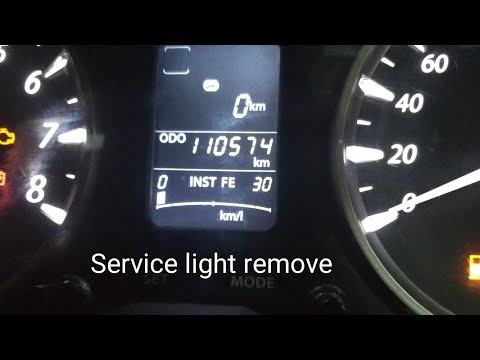
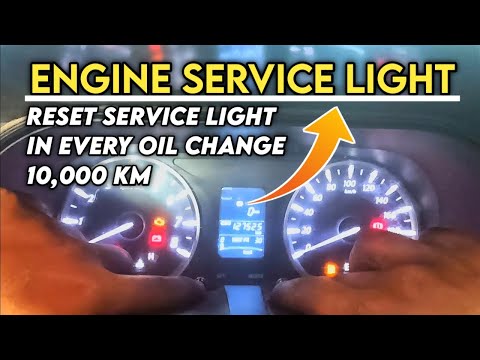
As we can see in this tutorial, resetting the service in Tata Zest is a very simple and fast operation. We will of course need to complete all required scheduled maintenance work before proceeding. We start by inserting the key and turning on the instrument panel, not the engine, after which we locate the key indicating the word "MODE", located in the center of the dashobard. At this point, press the key repeatedly to reach the indicated screen and hold it down for about 30 seconds, or in any case for the time necessary to display the correctly reset service interval.
Posted on 18 November 2022 by ScegliAuto
Video tutorial
Related tutorials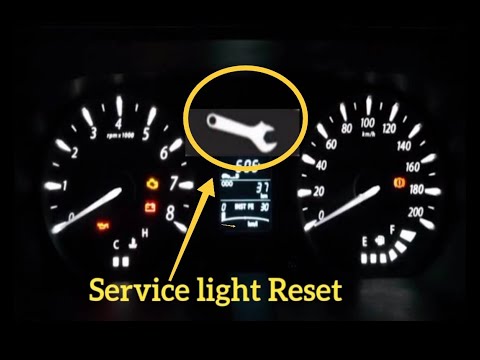
Tata Zest
(2014-2019 /
MK 1)
In order to reset the Tata Zest Service warning light, you need to turn on the instrument panel and press the MODE button, until the Service item app…
Tata Zest
(2014-2019 /
MK 1)
As we can see in this tutorial, resetting the service in the Tata Zest is an extremely simple and quick operation. Before proceeding, we should have …
Tata Zest
(2014-2019 /
MK 1)
In order to reset the Service light of the Tata Zest, you will need to turn on the instrument panel by turning the ignition key inside the ignition s…
Other guides you may be interested in
|
Replacing the Rear Window Regulator on a Grande Punto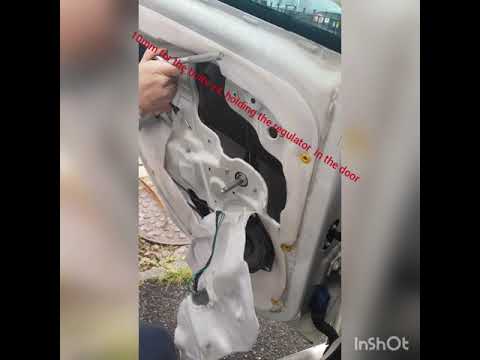
Replace the window regulator on a Fiat Grande Punto? Remove the door panel to access the window regulator motor. Use a lever to remove the manual window crank, then, with a screwdriver, unscrew the securing screws on the plastic panel. Once all screws are removed, use the lever to detach all the plastic clips that secure the door. Pull off the door panel by hand. Remove the access cover to the door and take out the window regulator motor and the rail with the glass. Pull out all the parts from inside the door and replace them with new ones. by ScegliAuto More videos
|

|
For advertising on this site Write to info@scegliauto.com
ScegliAuto is not responsible for any inaccuracy of the data in the lists. To report any inaccuracy or your business (if you own the business in question), please write to info@scegliauto.com
Number of seconds to generate the page: 0.110
(c) ScegliAuto 2026 - info@scegliauto.com - Privacy policy VAT number: IT01247470535 |
