
|
Do it yourself
| |||
| ||||


How to open and access the external fuse box of the Toyota Auris
Model: Toyota Auris
E150
- Years 2007-2012
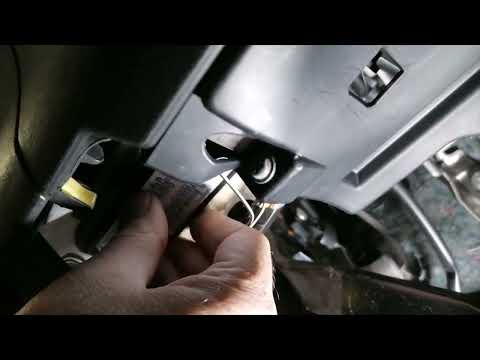
Today we will see the steps that will allow us to open and access the external fuse box of the Toyota Auris, also finding the fuse diagram and chart. First, we open the car's hood by pulling the lever from the inside, and we start to unhook and remove the plastic cover that we find on the top right, as well as the fuse box; then we find the fuse diagram inside, also available in the car's user manual. On the diagram, we find the codes and amperages of each individual fuse, useful for any eventual replacement!
Posted on 28 November 2024 by ScegliAuto
Video tutorial
Related tutorials
Toyota Auris
(2012-2018 /
E180)
In this brief guide, we will discover how to access the external fuse box of the Toyota Auris, including the fuse diagram and layout. First, open the…

Toyota Auris
(2007-2012 /
E150)
In case of electrical faults on your Toyota Auris first generation (year 2007), it is important that you know the exact location of the fuse box so t…
Toyota Auris
(2007-2012 /
E150)
If you own a first-generation Toyota Auris (2007-2012) and want to find the box containing all the vehicle's fuses, carefully read and follow these i…
Other guides you may be interested in
|
Frequently Asked QuestionsHow to reset the tyre pressure warning light on the Dacia Sandero?
To reset the tyre pressure warning light on the Dacia Sandero, inflate all the tyres to the pressure indicated on the label on the driver's door. Once the tyres are inflated, turn on the ignition and navigate through the menu using the controls on the right side of the steering wheel. Scroll with the arrows to find the tyre pressure option: by holding down the OK button located on the right side of the steering wheel, you can reset the warning light. by ScegliAuto More videos
|
|
For advertising on this site Write to info@scegliauto.com
ScegliAuto is not responsible for any inaccuracy of the data in the lists. To report any inaccuracy or your business (if you own the business in question), please write to info@scegliauto.com
Number of seconds to generate the page: 0.301
(c) ScegliAuto 2026 - info@scegliauto.com - Privacy policy VAT number: IT01247470535 |
